




Brilliant is best described as Duolingo for logical thinking and programming. The app breaks mathematics, computer science, Python, and data analysis into short units that you solve directly instead of just watching. It also includes progress bars, daily goals, streaks, keys, coins, and lightning bolts. The game principle isn't just decoration: it makes it surprisingly easy to do one more task.
The course provider calls it a personal tutor. In practice, the character Koji guides you through the lesson, gives hints, and reacts to correct answers. According to Brilliant, the offering includes math, computer science, science, and data analysis – from clear algebra and probability to Python, algorithms, neural networks, and regression. The platform also mentions more than ten million learners worldwide.
How Brilliant works in the test
Each unit consists of small thought steps. The app explains very briefly, lets you try immediately, and gives instant feedback. This is a clear difference from a video course: you can hardly just passively watch. If you get stuck on a task, you get a visual aid instead of the complete solution right away. The current app guides you through progress bars and has a speaker button on many tasks: the English task is read aloud.
My impression: This mix of addressing you, small success moments, and visible progress works very well. It strongly reminds me of Duolingo, except it's not about languages, but about patterns, formulas, and code. For professional continuing education, this is especially practical if you want to invest ten or twenty minutes a day.
Brilliant features in detail
I'll show you five moments from the app so you can picture it yourself. This way you'll see how explanation, task, and reward interlock.
.png)
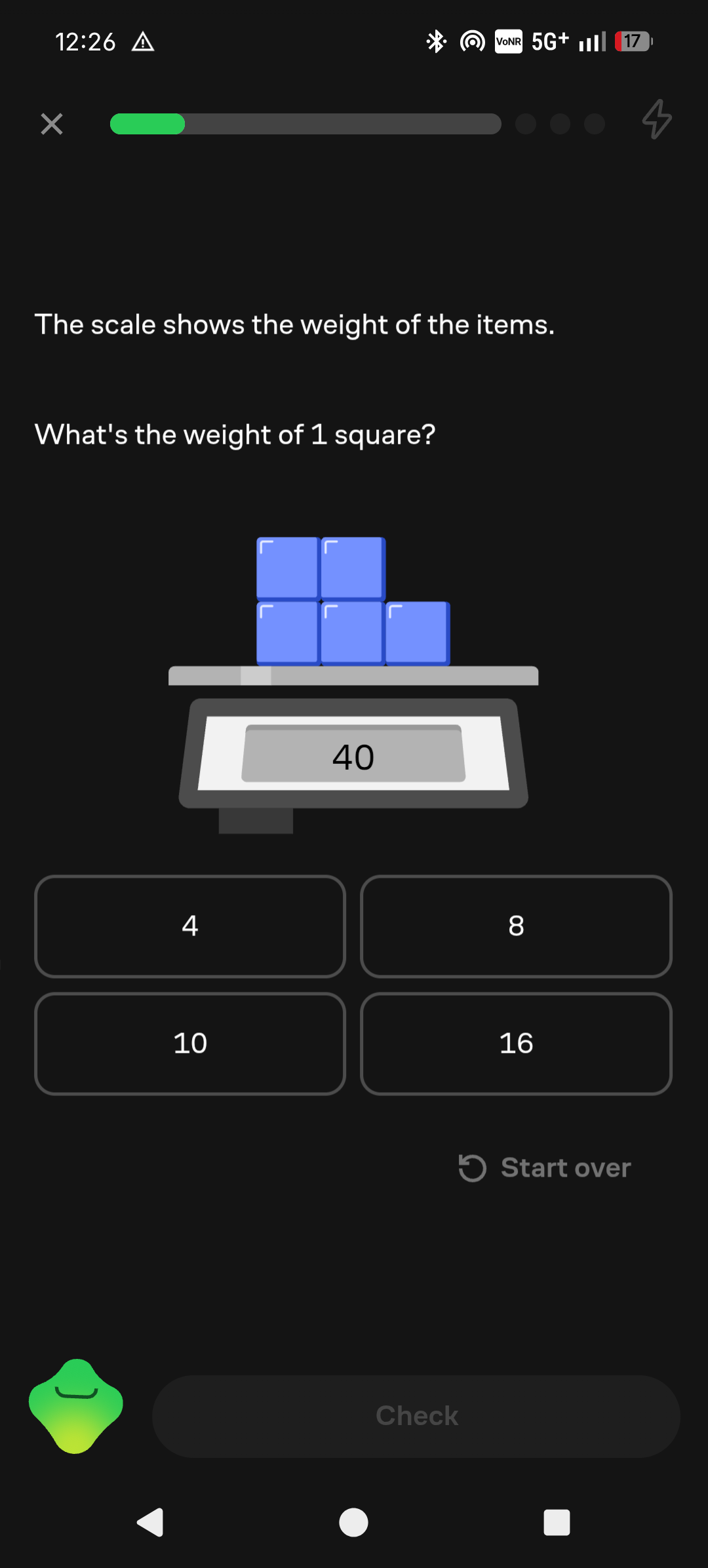
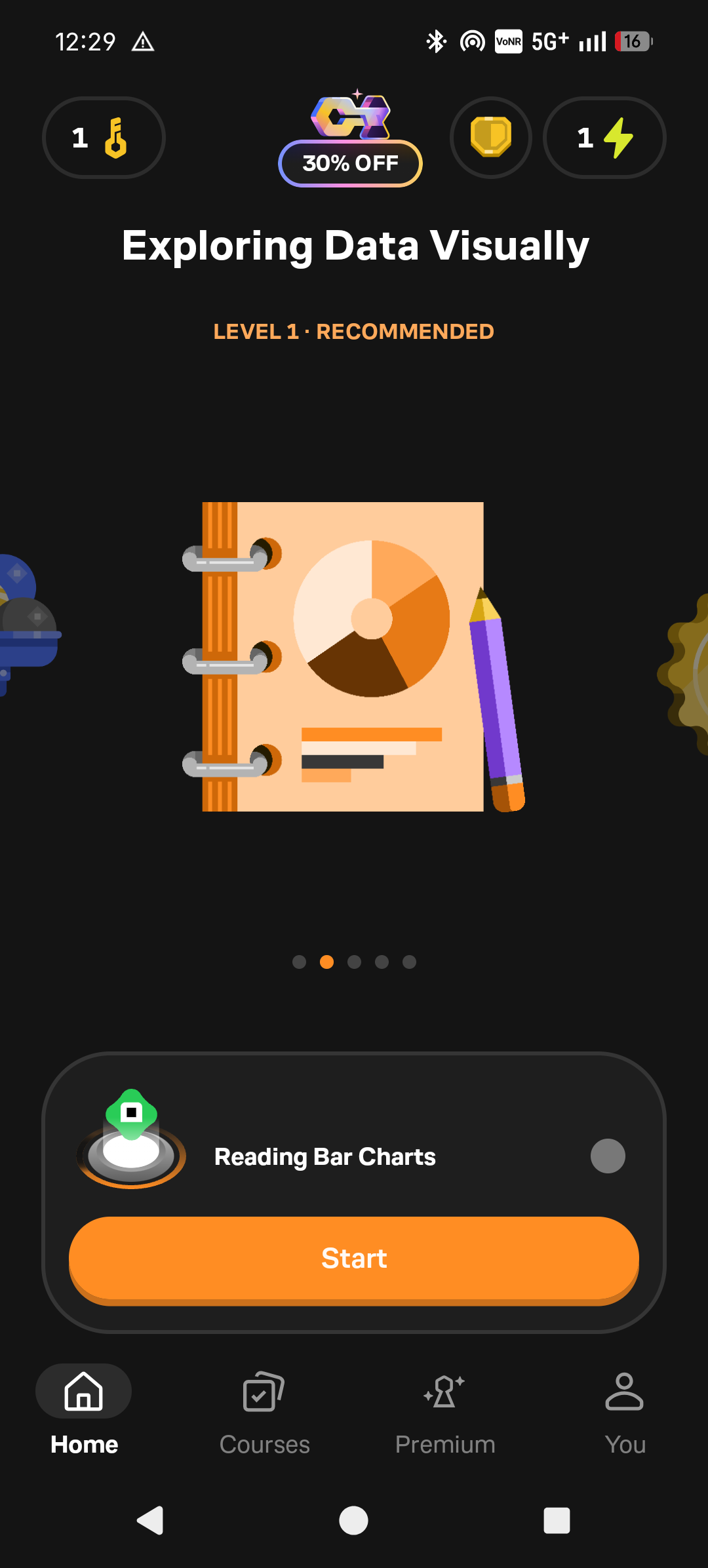

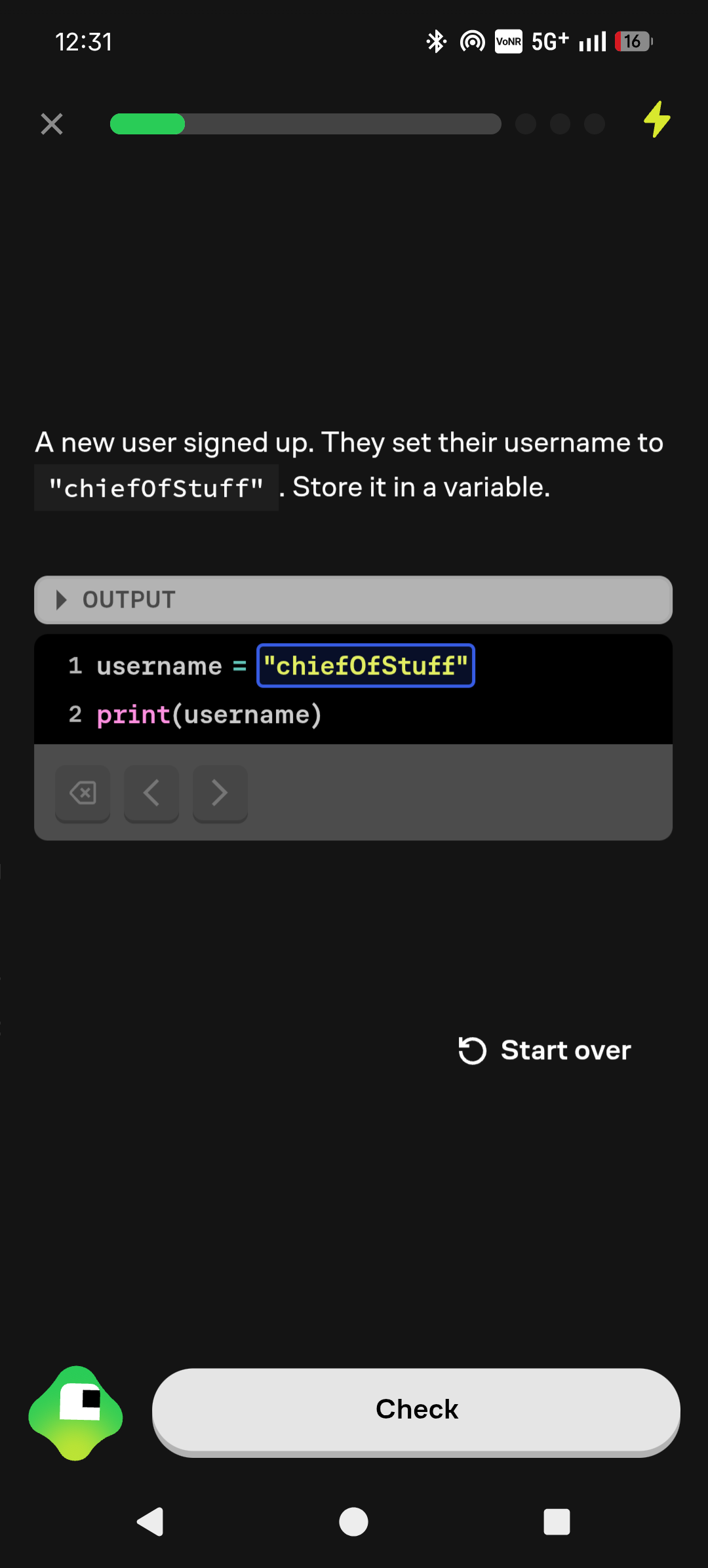
print(username). Brilliant works here with a guided code field, step-by-step progress, a restart option, and a check button. This is a good introduction to syntax and way of thinking, but it doesn't replace a full-fledged editor for your own projects. For first Python steps, this is completely sufficient for me; for real projects, you'll need more.These five excerpts show why Brilliant feels different from a classic online course. You hardly read, you just keep going directly.
English only: who is it for?
The crucial catch for a German audience isn't the math, but the language. Menus, tasks, read-aloud texts, hints, and Koji's praise are in English. Those who understand the technical terms even benefit doubly: you learn technical terms like variable, loop, or regression in the same language they appear in documentation. For German-speaking children without solid English, however, the app isn't the right first choice in my opinion. They would otherwise have to decipher both the subject matter and the task instructions at the same time.
Adults, working professionals, and older teenagers with good school English are the much more suitable target group. Especially for refreshing logic, math basics, Python, or data analysis, Brilliant is pleasantly low-threshold. If you instead want to write extensive programs, build projects, or earn job-oriented certificates as quickly as possible, you'll get further faster with a specialized platform like DataCamp or with your own projects.
My conclusion
Brilliant turns often dry topics into a game with a serious learning core. The visual explanation, the conversational tone, and the gamification are excellently implemented. That's exactly why the comparison with Duolingo is apt: small bites, clear goals, and always a small invitation to keep going. The overall English concept and the comparatively high price remain the two major limitations. I would use the free introductory lessons and the trial period; if the first units already feel tedious, the subscription will hardly be worth its money.
