
Blinkist experience and costs overview | 2026
What is Blinkist?
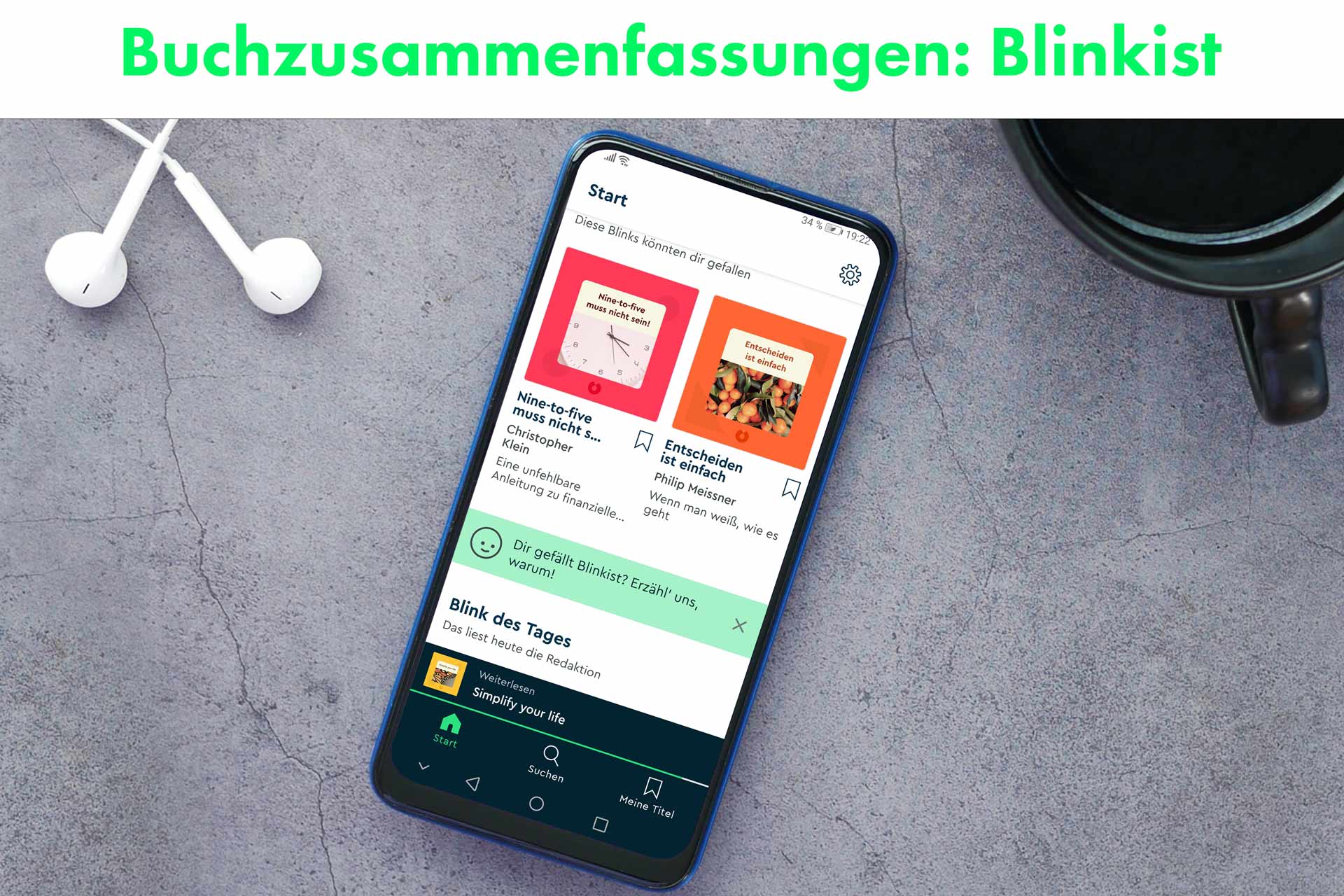
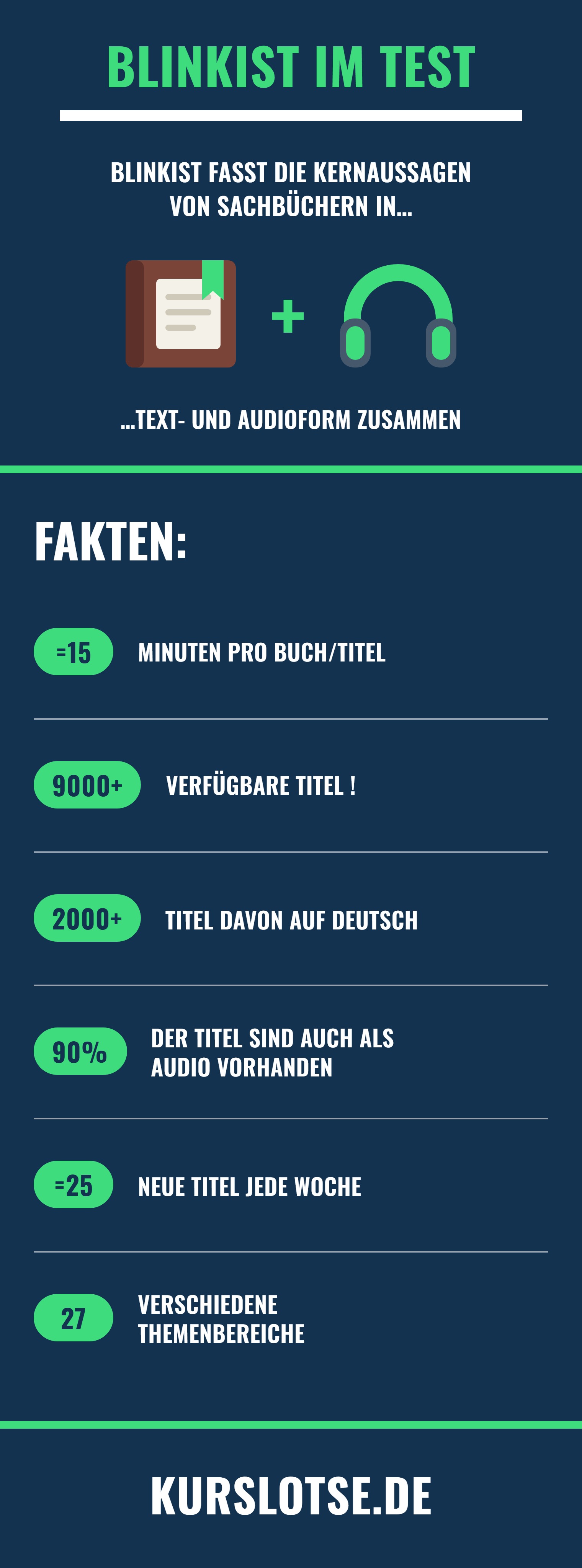
The app Blinkist* summarizes the key insights of nonfiction books in concise short texts and audio contributions. This allows you to acquire expert knowledge from a thick textbook in approx. fifteen minutes. I have known and used Blinkist for several years and have thoroughly tested the app for you.
- The Berlin-based company, which has been part of the Australian learning platform Go1 since 2023, offers more than 9000 titles for reading and listening.
- Blinkist states 32 million downloads across all platforms on its own website; the pricing page mentions 44 million users.
How does Blinkist work?
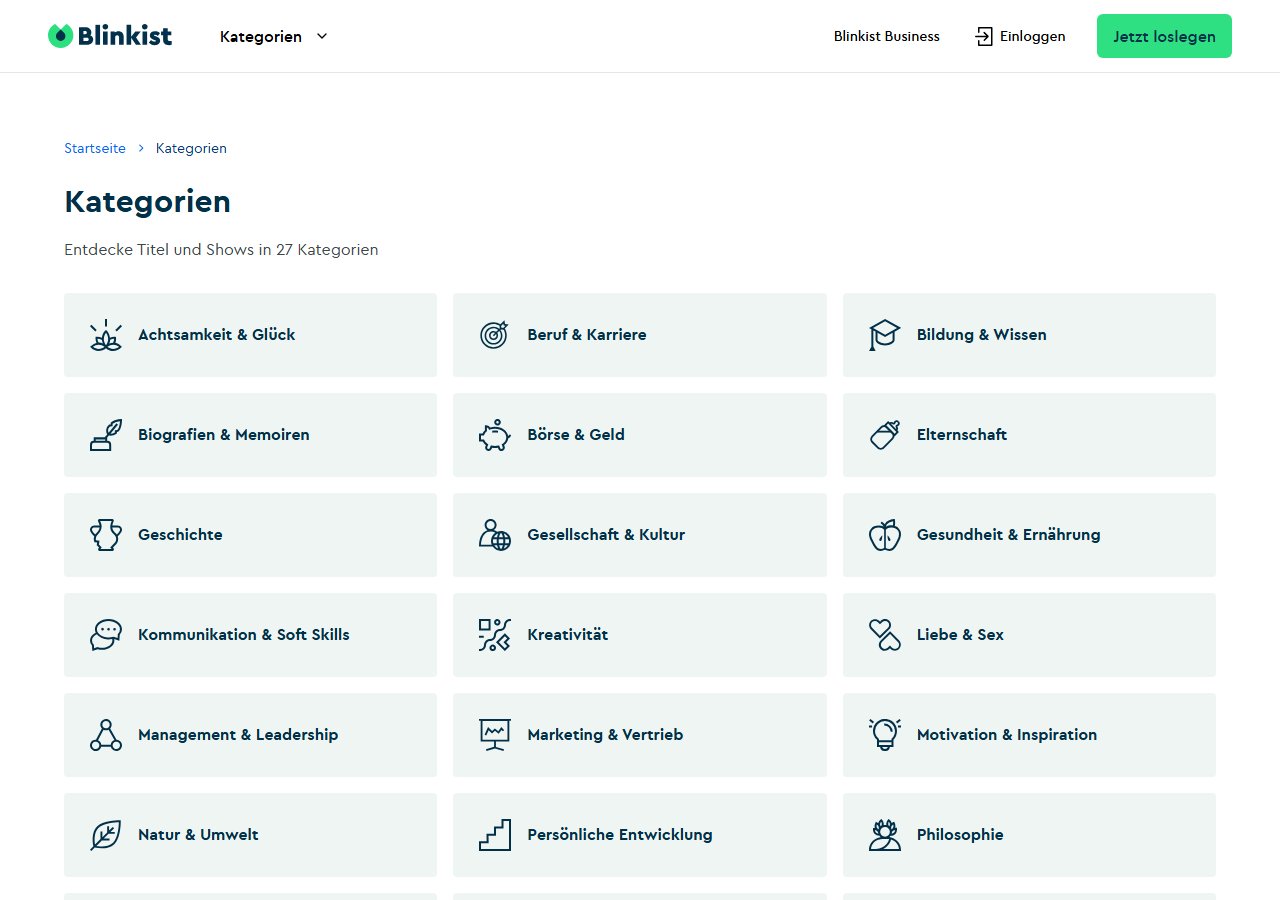
This is how the book summaries are structured:
- They begin with an introduction that briefly presents the content and sparks interest in the topic.
- Then follow short chapters, each covering one key insight of the book.
- Finally, you learn the core message of the entire book and receive advice on what you can specifically implement in your daily life.
Blinkist Guides: Knowledge for you from experts
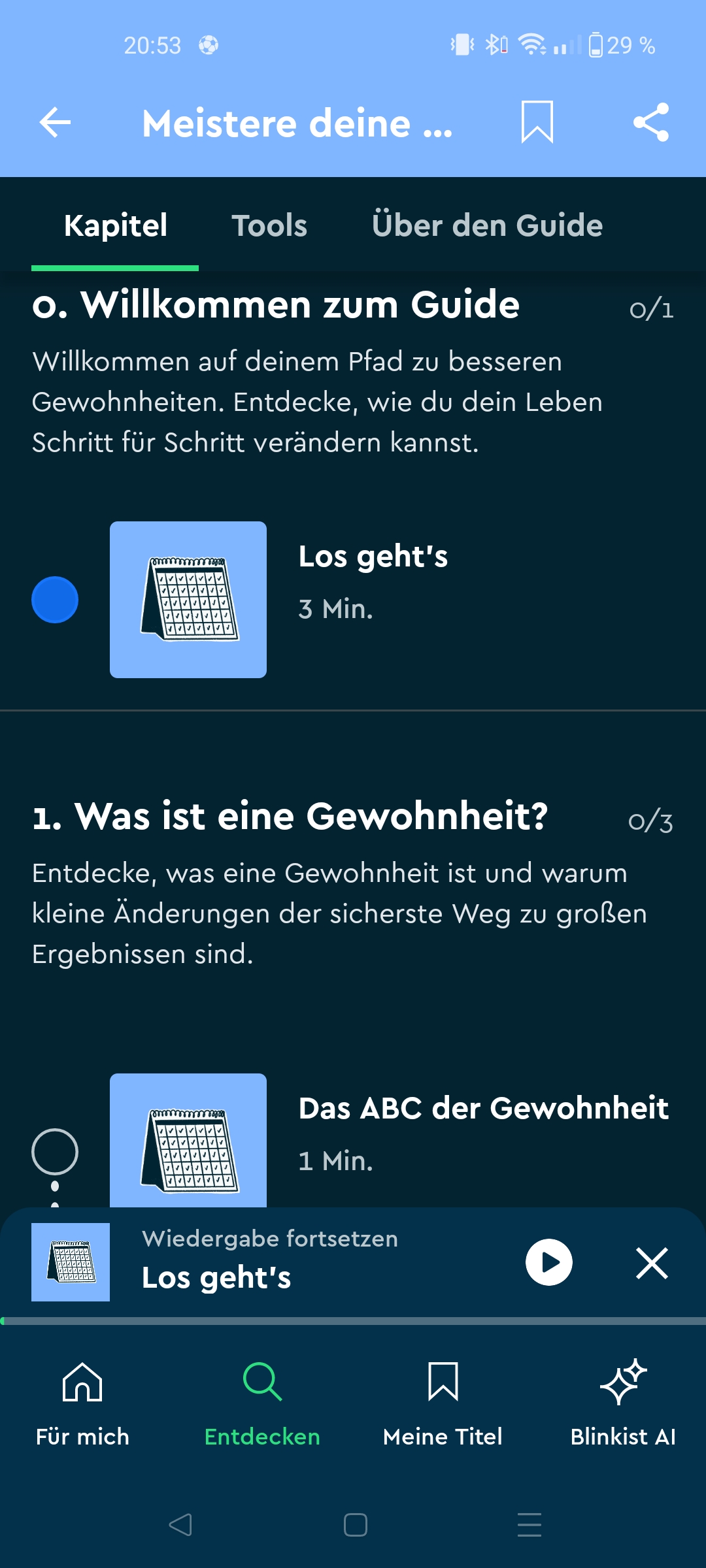
Blinkist Guides are detailed, structured content within the Blinkist app that goes beyond the classic book summaries. They offer a deeper insight into a specific topic (e.g., morning routine) and combine the most important ideas from various books, articles and expert opinions.
Guides are structured like a kind of learning path guided by an expert on the topic. Parts of the learning path include content from experts, core aspects from books, and reviews of the content. There is also a tab called "Tools" that offers repetitions on the topic as well as infographics. Often, well-known personalities or experts (e.g., psychologists or entrepreneurs) create their own reading lists on specific topics. This helps you keep track of the 9,000 titles.
Blinkist AI: the artificial intelligence from Blinkist
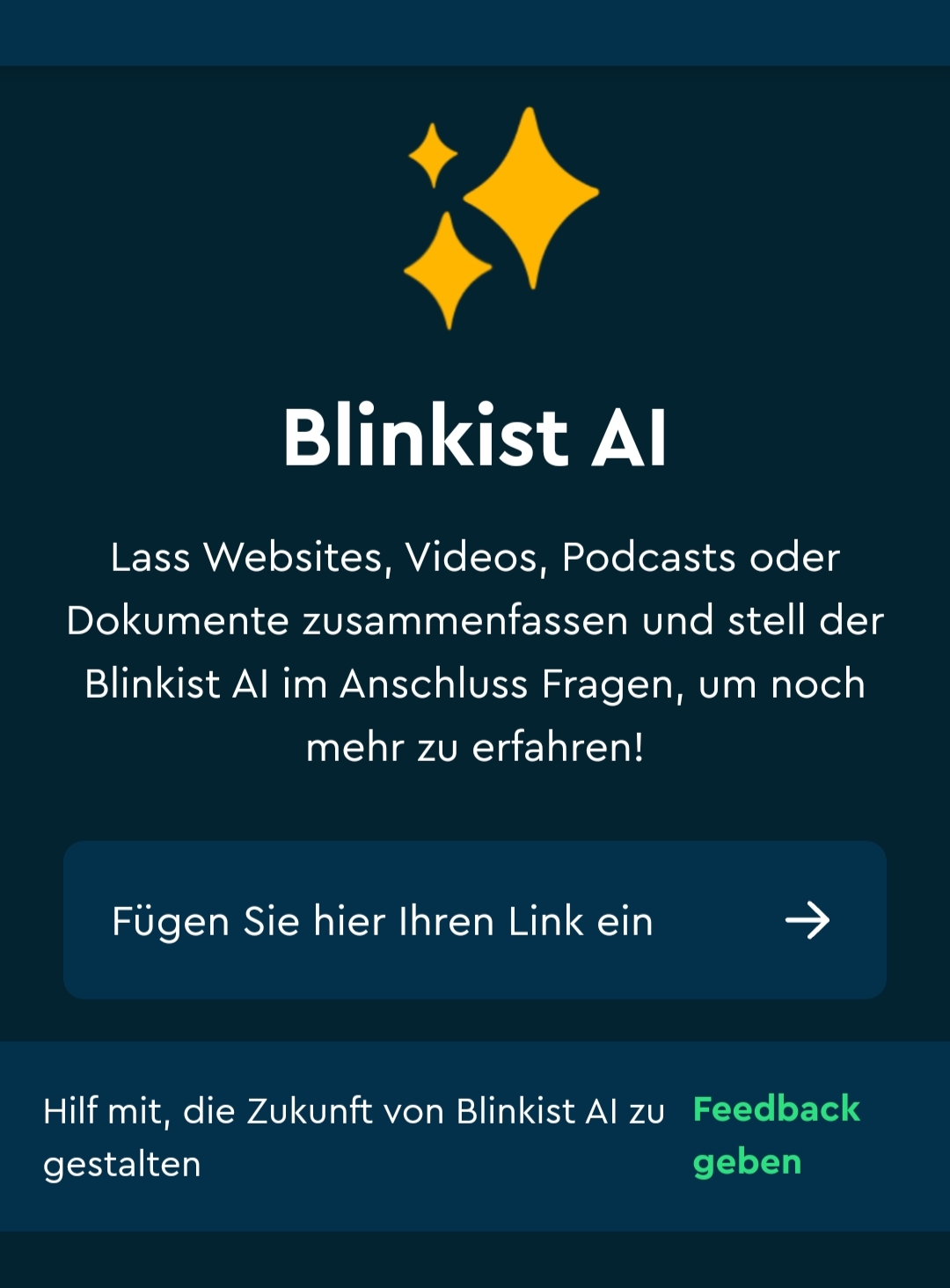
Blinkist AI is an AI tool that efficiently summarizes content like PDFs, articles, podcasts, or videos and reduces it to the essentials. It's understandable to suspect that artificial intelligences like ChatGPT make selling book summaries harder. So why not just upload a PDF to ChatGPT and have it summarize the content? On one hand, many books are not freely available digitally, and ChatGPT's content is not reviewed by an editorial team like the normal Blinks. But Blinkist has also developed an AI to summarize content that is freely available digitally. If you subscribe to the Pro or Platinum version, the Blinkist AI symbol appears in the app.
Which subscription includes the AI? Blinkist answers this clearly in its own help center: Blinkist AI is currently only included in the Pro and Platinum subscriptions. If you book the cheaper Premium subscription, you do not get the AI.
Here's what Blinkist AI offers:
- With the help of the AI, users can upload links to a video or a document to create personalized summaries and build an individual knowledge library.
- Unlike ChatGPT, the tool is also well-suited for academic texts, podcasts, and videos. The summarized content then appears under "my titles".
- Additionally, the summarized texts can be played as audio.
Note: It sometimes takes quite a while for the respective content to be summarized. Also, you cannot use the AI in the browser: Blinkist itself states that Blinkist AI only works in the mobile app and is not supported on the website. So the AI is not really suitable for supporting work on a PC.
What are Blinkist Shorts?
In addition to the classic Blinks, there are now also the Blinkist Shorts. If even 15 minutes are too long for you, the Shorts are perfect for you. Here you get daily "knowledge bites" and concrete impulses that often only take 5 minutes. The Shorts offer brief topic insights, usually in the form of animated videos or just audio, as well as a summary of the key takeaways at the end of the Short.

It's less about summarizing an entire book, but rather about targeted tips, hacks, or motivation sprints from well-known experts and thinkers. Every day there are five new Shorts to discover. Perfect for picking up new knowledge in between.
What are the benefits of Blinkist Spaces?
One feature I find practical is the Blinkist Spaces – think of it like a shared playlist on Spotify, but for knowledge. You can create a "Space" (e.g., for your marketing department or your group of friends) and add specific titles there that might interest all members.
The clever part: You can even invite friends or colleagues who do not have a Premium subscription. Within your Space, these people can read or listen to the titles you've shared for free. This makes Spaces an ideal tool for discussing new ideas together without everyone having to get their own subscription right away.
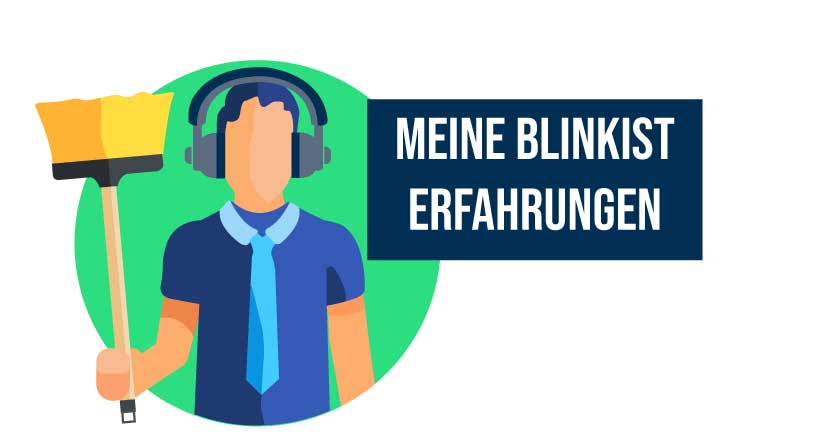
My experience with Blinkist
I've already had some experience with Blinkist. In the past five days, for example, I've read eleven non-fiction books. Sounds unbelievable? But it's really possible with this app, since the books are summarized and usually take only approx. fifteen minutes. Actually, I should say I listened to the books. Since the key points are also available as audio content, I regularly use this option. You can think of the audio content like an audiobook narrated by a truly professional speaker with a good voice. However, I've also found that the short summaries can't replace the feeling of having read a book. It feels more like a know-it-all friend is summarizing a book for you without leaving out any important facts.
Experience with the Blinkist app in everyday life:
In the morning, Blinkist greeted me on my Amazon Echo Dot (Alexa). While cleaning my apartment, I listened to "Manipulationstechniken von Tamara Petri" and in the evening, I listened to "Becoming von Michelle Obama" through headphones.
My experience as a conclusion:
With Blinkist, you can easily pick up concentrated knowledge on the side, for example while tidying up, on the go, or while cooking (The yellow thing in the picture above is supposed to be a mop, by the way ; ). Since you can't remember 100% of a book's content anyway, the short summaries come in very handy.

Blinkist Cost/Price
Table: the three annual subscriptions compared
| Feature | Annual Premium | Annual PRO / AI | Annual Platinum |
|---|---|---|---|
| Price (approx.) | 79.99 € | 139.99 € | 159.99 € |
| AI Features | No | Yes (full access) | Yes (full access) |
| Duration | 12 months | 12 months | 12 months |
| Content | Premium | Premium + AI | Pro + Live Sessions |
There are different subscription models, one Annual Premium and one Annual Pro. The monthly Blinkist subscription was unfortunately no longer displayed to me, even though I always liked using it. Even in the official tariff overview from Blinkist, only annual plans now appear. A third tariff called Platinum for 159.99 € per year has been added. In addition to the Pro subscription, it includes three to four live sessions per month and more than 100 infographics. Important for you: According to Blinkist, this Platinum content is currently only available in English. Platinum is currently not displayed on Blinkist's standard pricing page; the tariff only appears on their own promotional pages and in the app store.
Tip: Also check the prices in the Blinkist app when you are logged in, compared to the prices on the Blinkist website. I've already observed some price differences between the app and the website. There are often discounts and discount codes you can use.
The Annual Premium
If you choose this one, you can try Blinkist free for seven days*. After that, Blinkist will immediately charge a price of 79.99 € (12 x 6.67 €) from your account, unless you cancel before the end of the seven days. (Prices may vary. As of: 08/28/2026).
The Annual Pro
The Pro subscription regularly costs 139.99 € per year (approx. 11.67 € per month). There are often welcome offers for approx. 111.99 € in the first year.
Additional feature “Blinkist AI”: In the Premium subscription, the AI is not included. According to the help center, it is only available in the Pro and Platinum subscriptions. You can upload links (e.g., to YouTube videos, articles, or podcasts) as well as your own documents (PDFs). The AI creates a summary in the typical Blink style including audio version in seconds.
Including Premium: All benefits of the Premium subscription (offline mode, Kindle sync, second free account via Premium Sharing) are included in the Pro package. The invited person only gets the Premium features; Blinkist AI remains reserved for your own account.
The Platinum Annual Subscription
Platinum is the third and most expensive plan: 159.99 € per year, also available for 95.99 € in the first year via a dedicated promotion page. Included is everything from the Pro subscription including Blinkist AI, plus three to four live sessions per month with experts and more than 100 infographics for titles in the library.
Two things you should know beforehand. First, according to Blinkist, the Platinum content is currently only available in English. Second, the plan is not on the regular pricing page; you can only find it via dedicated promotion pages and in the app store. For the German library, you pay 20 € more per year with Platinum than with Pro, without getting additional German content.
Premium Sharing (formerly “Blinkist Connect”)
Blinkist now calls this feature Premium Sharing. It applies to all paying users, i.e., both the regular annual subscription and the “Pro / AI” subscription.
Premium Sharing offers:
2 profiles for the price of 1: You can invite a second person (partner, friend, etc.). This person creates their own account but doesn't have to pay anything.
Separate accounts: You don't share the password. Each person has their own library, their own highlights, and their own learning progress. No one sees what the other reads (unless you use the “Spaces” feature for sharing).
Is it worth it?
If you work a lot with your own documents or want to efficiently summarize webinars, the extra cost for the AI feature is worthwhile. For just reading/listening to the Blinkist library, the Premium subscription is sufficient. Additionally, Premium Sharing is worthwhile if you want to share the subscription for free with a friend, partner, or your partner. For companies, there is separate Blinkist Business with the three plans Teams, Business, and Enterprise; Blinkist does not disclose prices there publicly, only after a demo appointment.
Audiobooks: Previously, you could purchase additional full audiobooks from Blinkist. Blinkist discontinued this feature in May 2024, and purchased audiobooks can no longer be played in the app. Since then, Blinkist has focused on its own formats Blinks, Guides, and Shorts.
Is Blinkist free?
The fact that the Blinkist service is also available for free is unfortunately only partially true. However, you can listen to a predetermined free title on Blinkist per day. The title is called “Blink of the Day” at Blinkist; you can find it in the “For Me” section in the app or at blinkist.com/daily. The biggest drawback is that you can't choose the title yourself. But I also used this for a longer time to get to know Blinkist for free. Another way to use Blinkist for free is the second free account via Premium Sharing or joining a Blinkist Space as a Basic user.
Cost conclusion:
- If you want to use Blinkist more regularly and for longer, it is definitely worth it for you to take out an annual subscription. A pure monthly subscription, which was previously the alternative, is no longer offered by Blinkist.
- However, if you want to get to know Blinkist first and the daily free titles are not enough for you? Then use the seven-day trial period. According to its own information, Blinkist only offers it for some of the offers; on the regular pricing page, annual subscriptions are currently sold without a trial period. Blinkist no longer offers a pure monthly subscription anyway.

Cancel Blinkist:
According to Blinkist, you can cancel up to 24 hours before the end of the current billing period. In addition, there is a 14-day money-back guarantee, which only applies to first purchases and not to automatic renewals. For customers in Germany, there is also: After the first contract year, cancellation is possible at any time with one month's notice; for purchases via the Blinkist website, Blinkist refunds the remaining months proportionally. This is especially practical if you are using the trial period and don't want to accidentally slip into the annual subscription. In this video I explain exactly how you can cancel Blinkist. Cancel Blinkist:
- Log in on the Blinkist website
- Select the menu item “You” at the top right
- Click on “Settings”
- Click on the “Cancel” button
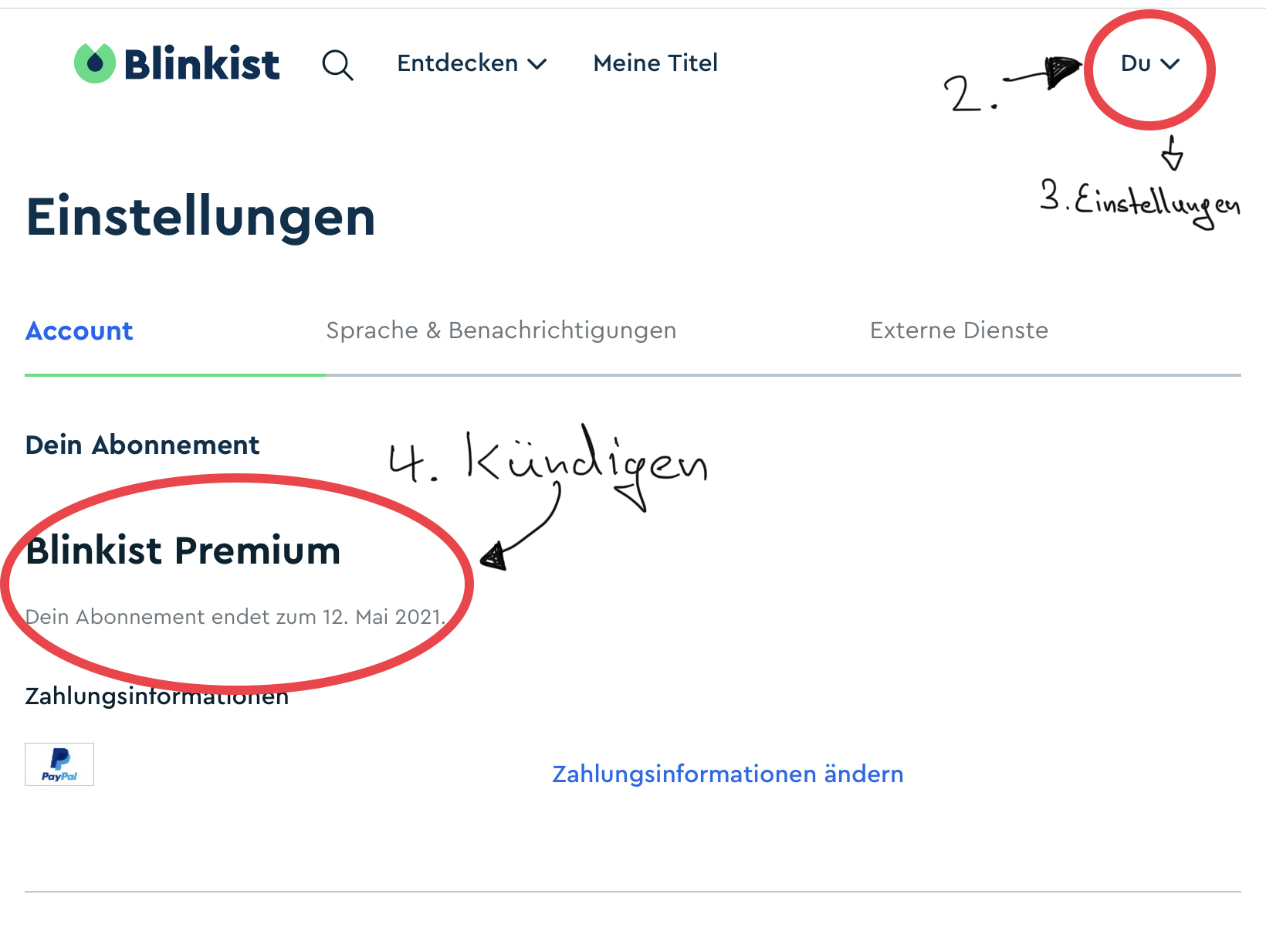
In the app you can easily cancel the subscription in the Playstore/App Store. Look for the option "Payments and Subscriptions"
Tip: The subscription is available to you until the end of the term of the completed subscription, regardless of when you cancel. So you can cancel immediately after taking out the subscription (so you don't forget) and continue using the app.
Give Blinkist Gift Vouchers
Looking for an unusual gift? Give an annual subscription!
- You pay for someone the annual subscription* and then it is sent immediately by email, with a personal message, to the person receiving the gift.
- Another option is to have the email sent to you and print the voucher at home.
Blinkist in German? And how many titles are there?
- Yes, the titles are in German, but there are also English titles.
- Blinkist offers more than 9,000 summaries. According to the help center, over 5,000 of them are in English, over 2,000 in German, over 500 in Spanish, and over 100 in Portuguese. About 25 new titles are added each week (as of 28.08.2026).
The Blinkist App:
The Blinkist App* is basically free. However, if you create a free account, you only have access to the "Blink of the Day".
What users say in the App Store and Play Store
My opinion is just one of many. That's why I checked how the Blinkist app performs in both stores.
Ratings from the German App Store and the German Google Play Store, retrieved on 31.08.2026.
Both values are high, and both are based on over 100,000 ratings. Of all the platforms here, this is the most reliable data basis. Blinkist is first and foremost an app and only then a website.
Download titles:
Via the app you can also read and listen to titles offline. To do this, you need to add the title via the bookmark icon to "My Titles". Then you can download the selected title under "My Titles". Overall, the app is nicely designed and the usage is simple and clear.
New with audio titles: Blinkist now shows the name of the speaker on the title page of each blink, directly under the name of the author. If there is a robot symbol instead of a name, the title was voiced with an AI voice. Blinkist states that all newly produced titles are again spoken exclusively by humans.
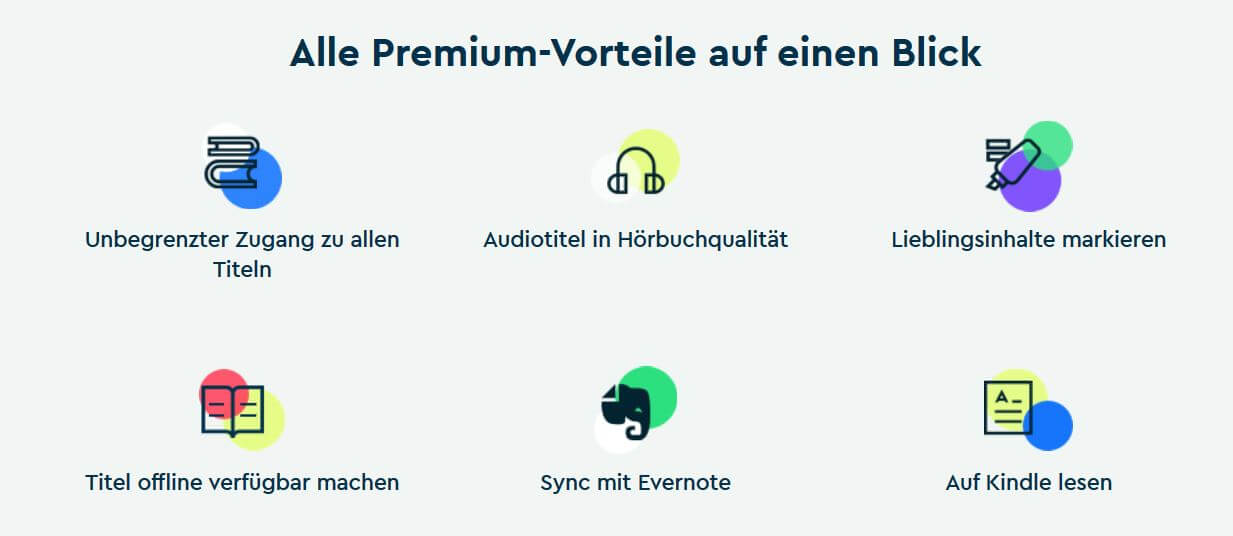
Blinkist Features:
- Mark favorite content
- Titles available offline
- Kindle support
- Blinkist AI
- CarPlay and Android Auto
- Widgets for iOS
- Weekly goals for your learning routine

Languages at Blinkist:
In the app settings you can choose whether you want to see English titles, German titles, or both. Tip: I sometimes also listen to English titles and read along to improve my English.
Blinkist Alternatives?
To my knowledge, there are not many German Blinkist alternatives. Getabstract is the best-known alternative to Blinkist. This alternative is mainly aimed at companies, but students get free access (which made me very happy). Getabstract works on a similar principle to Blinkist and now offers over 27,000 titles. However, not all of them are audio versions and I like the quality of Blinkist a bit better.
More Blinkist alternatives:
- 12min
- Accel5
- Sipreads
- Storyshots
Blinkist and Alexa – a love-hate relationship
You can easily connect Alexa to the Blinkist service:
- Open the Alexa app
- Go to Skills & Games
- Search for the Blinkist skill
- Link your account
My experiences with the Blinkist skill and Alexa: The skill has a very pleasant voice and three main functions:
- Recommendations
- Search
- My titles
However, sometimes I felt like I was talking to an automated phone hotline message. When you search for something, the skill reads out all the results and you can't interrupt the list. And if you say "Alexa stop", you have to restart the skill completely by saying "Alexa, start Blinkist". Tip: Currently, I find my titles on my smartphone beforehand, start them briefly, and then say "Alexa, start Blinkist and continue".
Blinkist Review:
Summary:
Blinkist allows you to understand the key insights of a non-fiction book in a short time. With its over 9,000 titles, the app is worth it for you if you enjoy reading or listening to non-fiction books but have little time to read an entire book and are satisfied with the most important takeaways.
- Number of titles and variety of topics:
- User-friendliness:
- Quality of content:
- Value for money:
Overall
What speaks in favor
- A Blinkist subscription is cheaper than buying many non-fiction books, but it doesn't replace them 100% either.
- With the large number of new releases, Blinkist allows you to get an overview of the non-fiction book market or a first impression of a topic.
What speaks against
- With Blinkist, you have to rely on the author team having correctly filtered out the essential key insights of a book.
- I often find myself using other apps like Spotify or Instagram on my smartphone more than Blinkist. So you also need to find the motivation to actually use the app for your subscription to be worth it.
For me, Blinkist is an easy way to learn new things and consume content while doing something else on the side. I can't imagine my daily life without the app anymore.
Share your opinion or question about Blinkist in the comments. Share the post with friends and colleagues, and help this small blog get more readers ; )

FAQ:
Blinkist Reviews & Ratings
There are no reviews yet. Be the first to write one.
Rate Blinkist now!
* Affiliate link: if you buy a subscription or a course through a link marked this way, we earn a commission. The price stays the same for you, and it does not influence our assessment.

Comments (0)
No comments yet — be the first.