Who a coding app is worth it for
Coding apps have one superpower: they lower the entry barrier to zero. You don't need a development environment or a free afternoon. You type code directly into your phone and immediately see if it works. In my experience, that's gold for the first few weeks.
If you want to find out whether programming is even for you, an app is the cheapest test. But if you already know a language and want to go deeper, you'll quickly get impatient. Then you need your own projects instead of more lessons.
I notice a pattern with almost all apps. They explain syntax excellently and architecture hardly at all. You learn what a loop looks like. You don't learn when you even need one. You only fill that gap with your own projects.
Phone or laptop: where you actually program
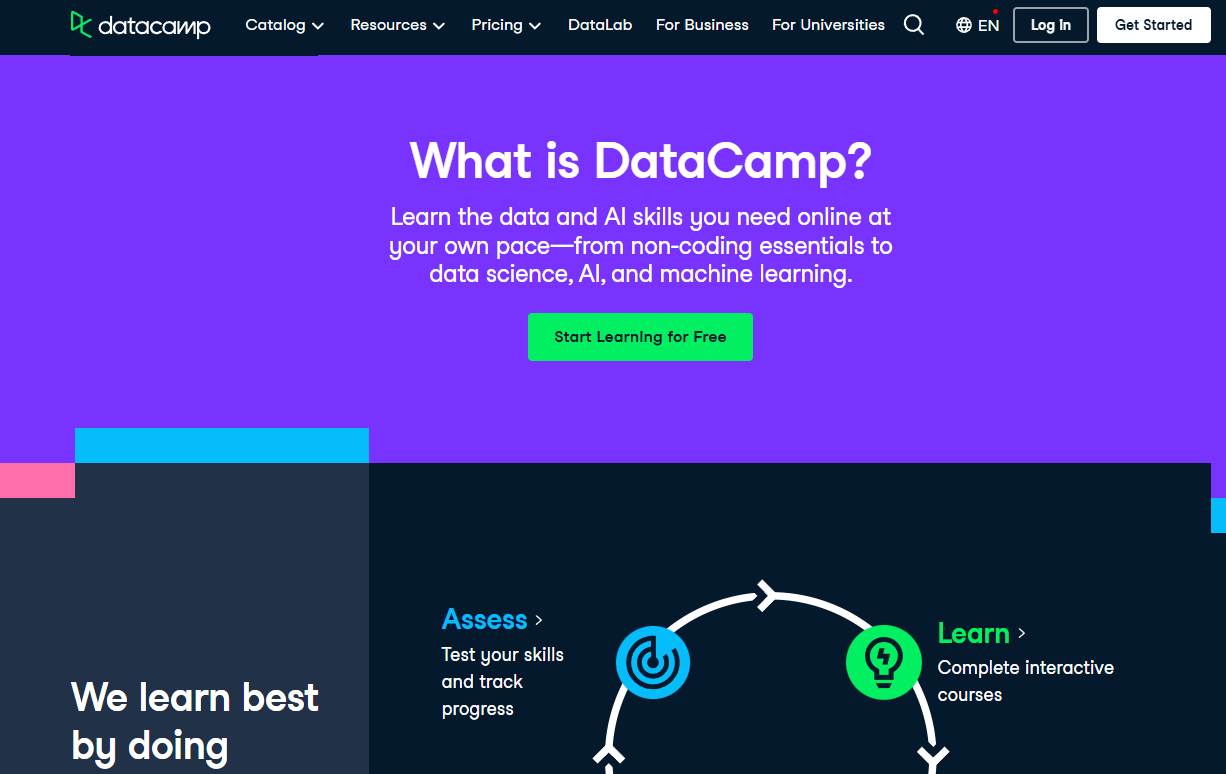
The six apps differ clearly here. Mimo and Programming Hub are built for the phone, with lessons of a few minutes. DataCamp and Codecademy are actually web platforms with an app on the side. Sololearn sits in between and scores with its community. Brilliant works equally well on phone and browser.
My honest opinion on this: On your phone you learn the vocabulary of programming. Syntax, keywords, and logic in small bites. You write real code on your laptop, with an editor and terminal. So use the app for your commute, not as your only learning source.
One practical tip: Almost nothing works offline with these apps. DataCamp at least lets you download individual video courses, the rest need a connection. So on a train through the Eifel, you're out of luck.
Prices of the six apps at a glance
Prices vary widely here. I checked everything in August 2026, Brilliant was added in September 2026. Between the cheapest and the most expensive option there's roughly a factor of six.
| App | Price per year (as of August 2026) | Free version |
|---|
| Programming Hub | €49.95, lifetime access €49.99 | selected courses with ads |
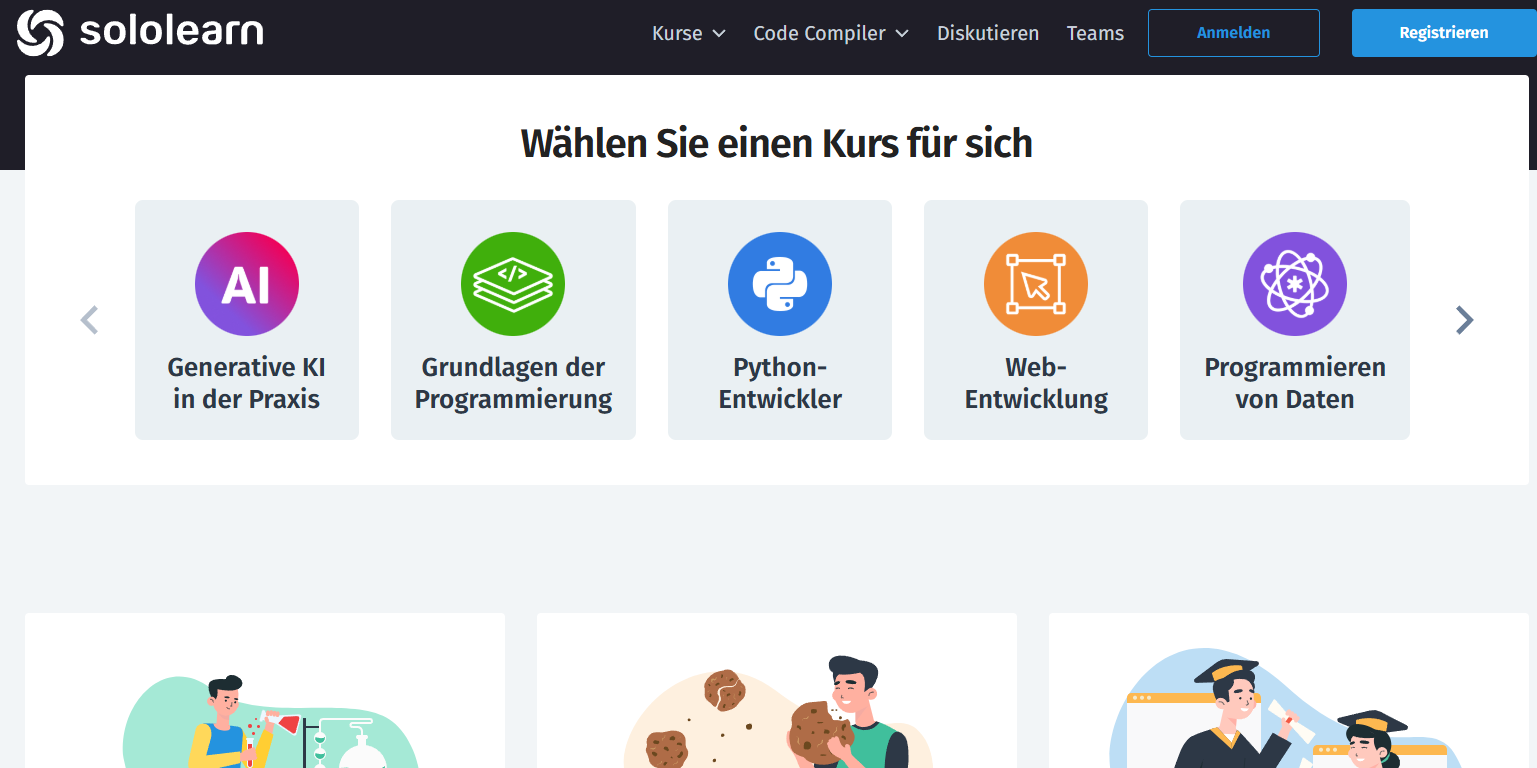
| Sololearn | €77.99 | standard lessons with ads |
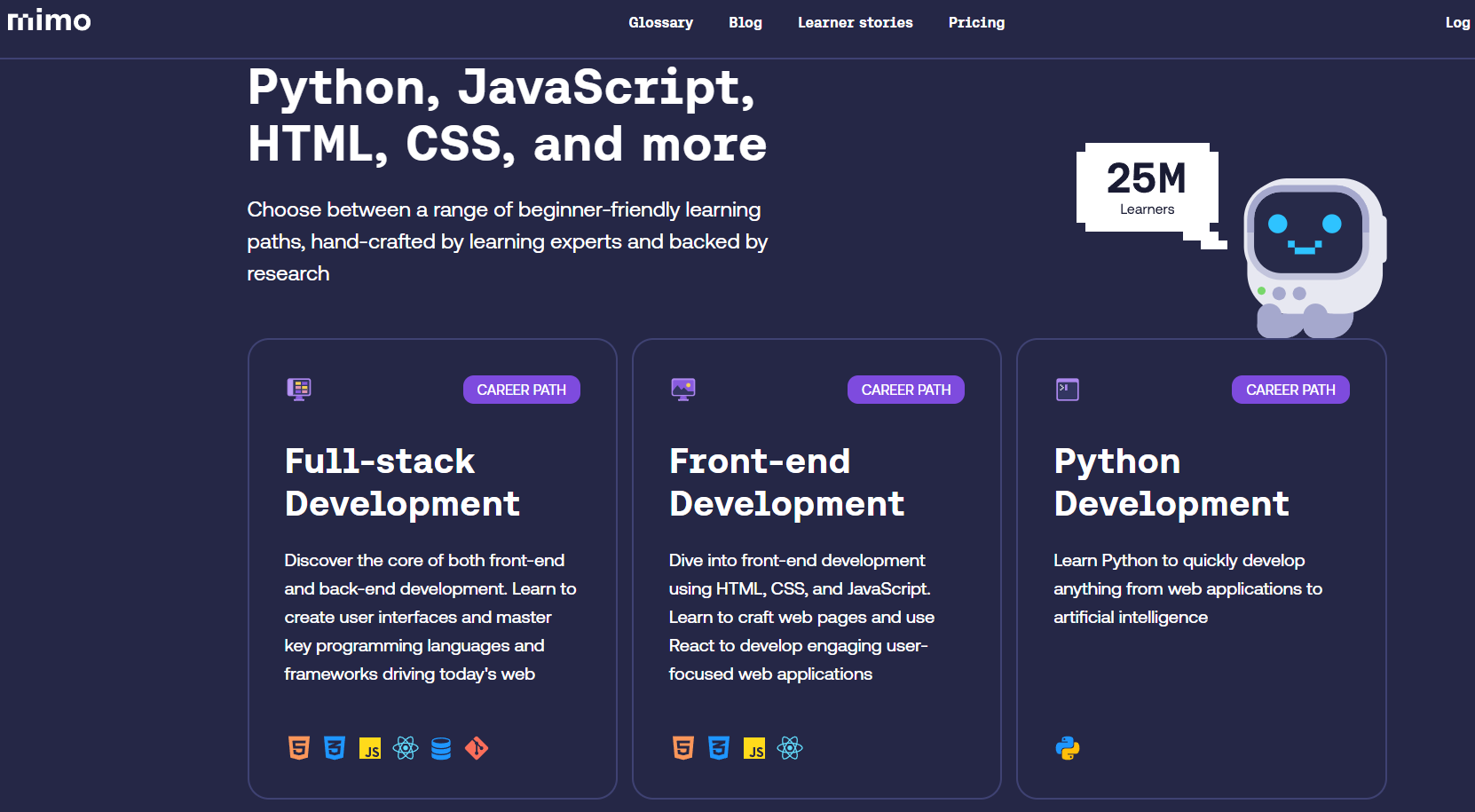
| Mimo | Pro €79.99, Max €299.88 | courses without certificates |
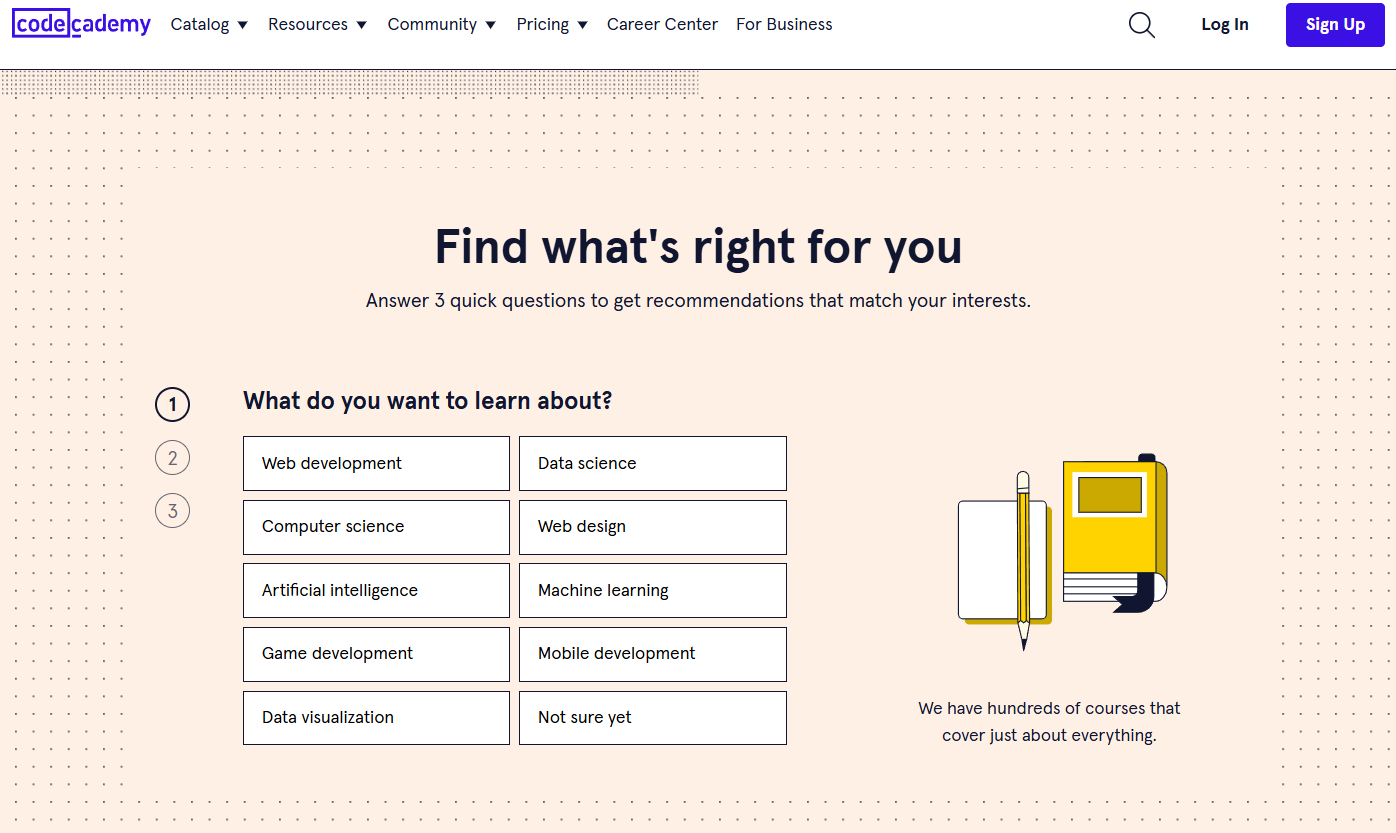
| Codecademy | Plus €179.88, Pro €215.88 | basic courses in browser |
| DataCamp | approx. €318 at €27/month | every first chapter |
| Brilliant | from €95.99/year, €18.99/month | first lessons of each course |
Programming Hub stands out to me here. Lifetime access costs almost the same as a single year. If you like the app, that's a really good deal.
DataCamp and Codecademy, on the other hand, are outliers. Both target a career change and price accordingly. If you just want to try it out, you're better off starting with Sololearn or Programming Hub.
What certificates from coding apps bring on the job market
Short answer: less than the ads promise. Codecademy's certificates are not accredited. In a resume, they belong under skills, not education. The same goes for Mimo, Sololearn, and Programming Hub.
They're not completely worthless either. The German IT job market remains tight. According to Bitkom, around 79,000 IT positions were unfilled in 2026. 78 percent of companies still report a shortage of IT professionals. In such a market, a certificate shows that you have trained yourself on your own initiative. It opens the door a crack, but no more.
One limitation must be mentioned. Compared to 2023, these numbers have dropped sharply; back then Bitkom counted 149,000 open positions. So entry has become noticeably harder, especially for juniors.
Why your portfolio is more important than any certificate
The Stack Overflow Developer Survey 2025 surveyed about 49,000 developers. Only 32.7 percent used online courses for learning in the previous year. Technical documentation was clearly ahead at 67.8 percent, videos at 50 percent.
For you this means: the app is the beginning, not the goal. Build your own small projects early, even ugly ones. A calculator, a weather query, a list of your favorite movies. Upload them to GitHub. A single working project says more than five course completions.
AI tutors in coding apps: help or mental blocker
Now almost every app has built-in AI help, only Brilliant still relies on classic feedback without chat AI. With Mimo, the AI Coding Tutor is in the expensive Max subscription. Sololearn and Codecademy put their AI assistants in the premium tiers. DataCamp gives you AI-powered feedback on your code.
I like using these helpers, but with a firm rule. First search on your own for ten minutes, then ask. If you immediately show yourself the solution, you practice clicking instead of thinking. It's precisely the frustration of searching that makes you a developer.
My roadmap for the first three months
Month one belongs to a single language, preferably Python or JavaScript. Use the free version and learn fifteen minutes a day. Only when you've stuck with it for four weeks should you pay for a subscription. Don't spend too long choosing a language. Python and JavaScript are both good starting points; the concepts behind them are very similar.
In month two, you build your first own project, alongside the app. In month three, you switch to the laptop and learn Git. That sounds unspectacular, but it works reliably. In my opinion, most people don't fail because of talent. They fail at the transition from app to real code.