
Skillshare - the creative learning platform | Test & my experiences
Skillshare is an international e-learning platform with over 35,000 different online courses (Classes) and over 11 million course participants (Creative People). Skillshare* impresses with creative courses, a subscription model, and a large selection and variety of courses.
Video: What is Skillshare. Duration: 1:01 minutes
How do the courses work?
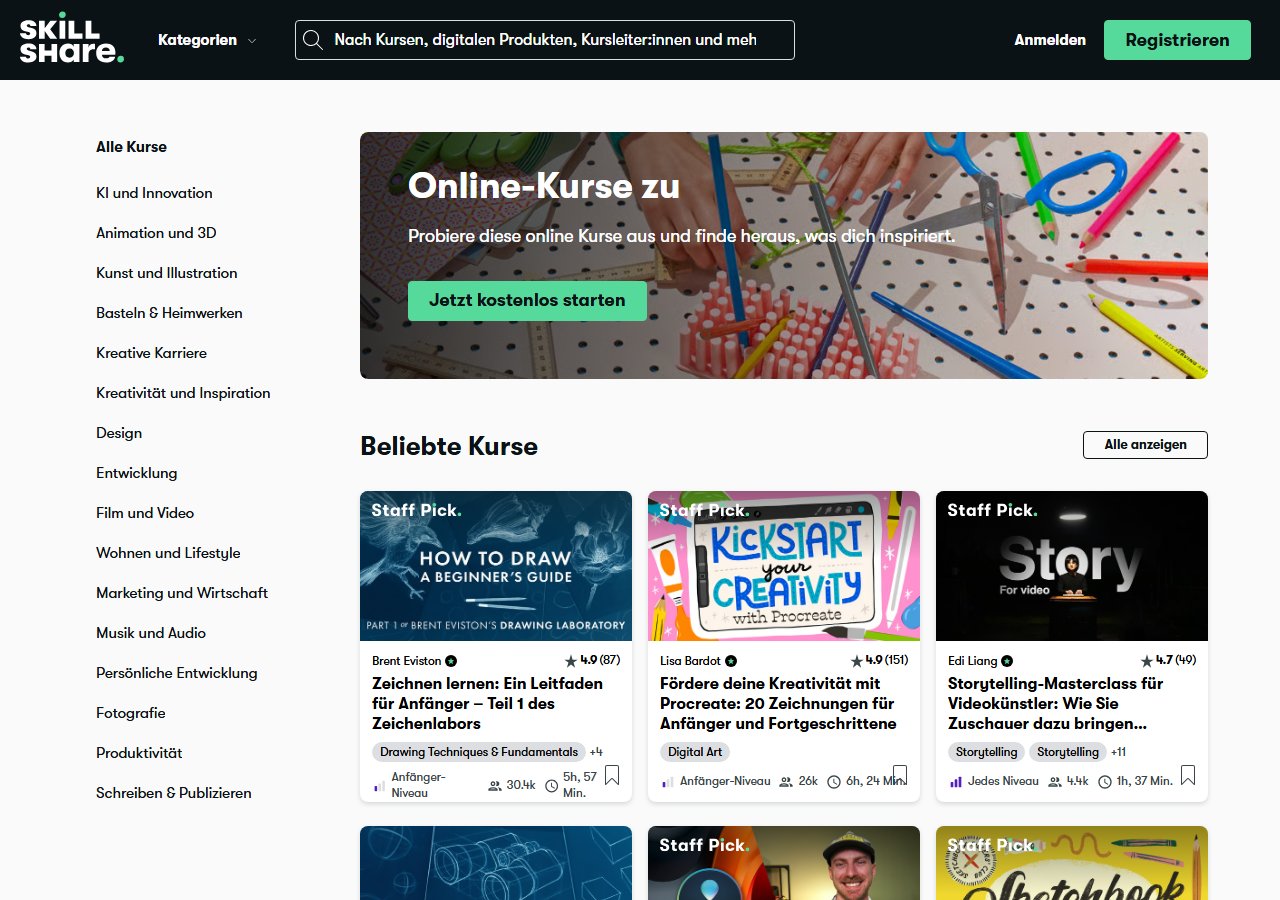
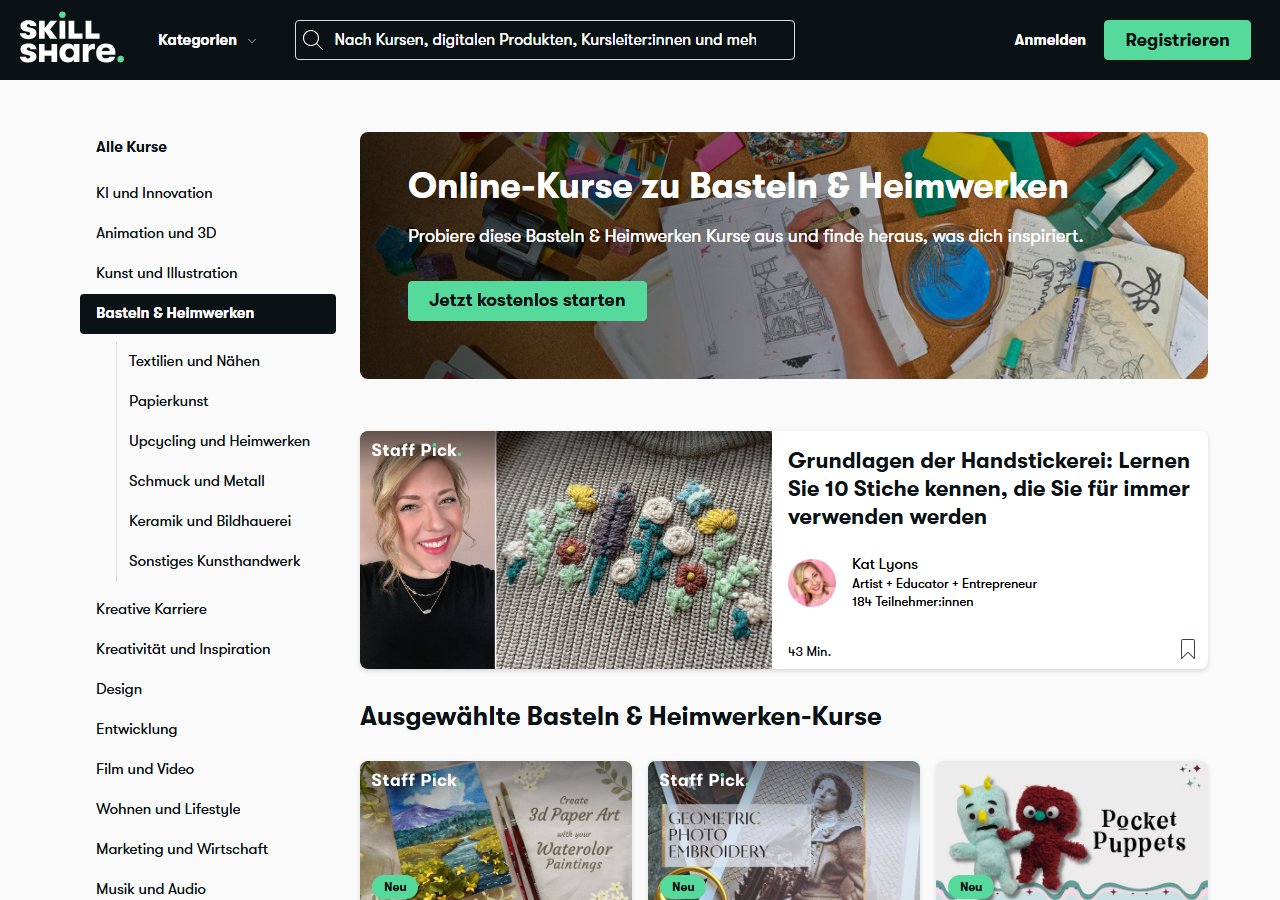
Skillshare offers a wide range of courses and continuing education in the areas: Creativity, Business, Technology, and Lifestyle. The spectrum ranges from marketing courses, programming languages, and learning instruments to cooking and gardening tips – almost everything is offered. The e-learning platform is like a "Netflix" for online continuing education. As you can see in the screenshot above, mostly creative topics are offered.
- The online courses consist of video lessons and are mostly project-based. This allows you to actively participate during the course.
- The required files for tasks are often attached under the course (Resources, see screenshot).
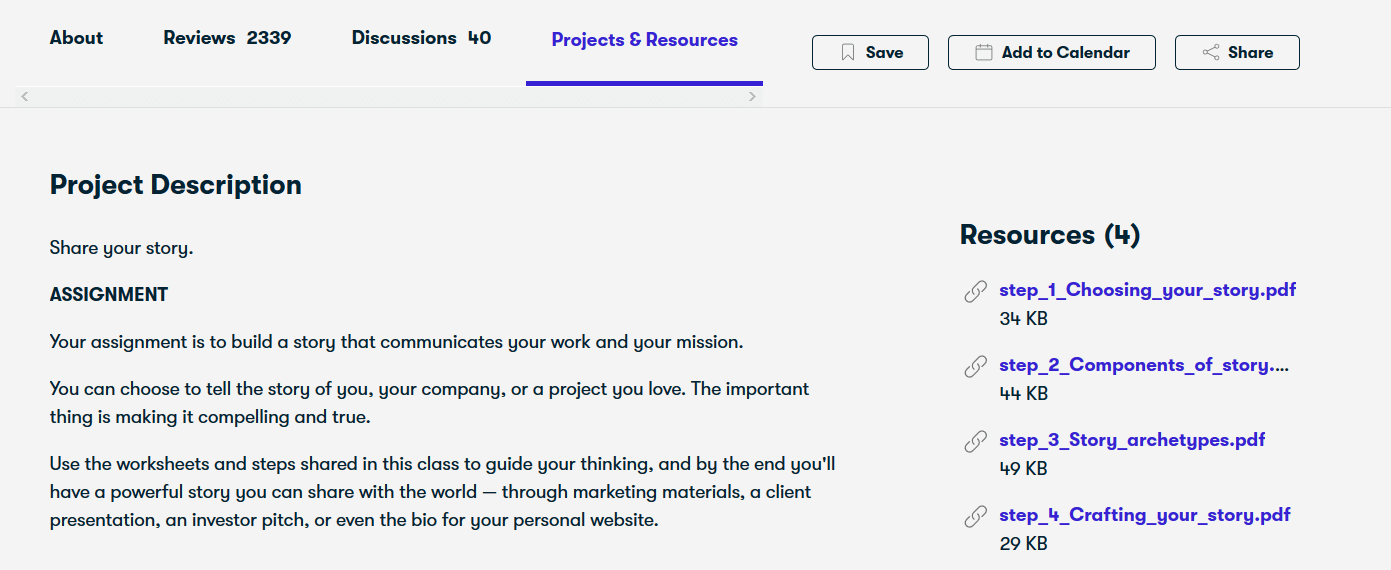
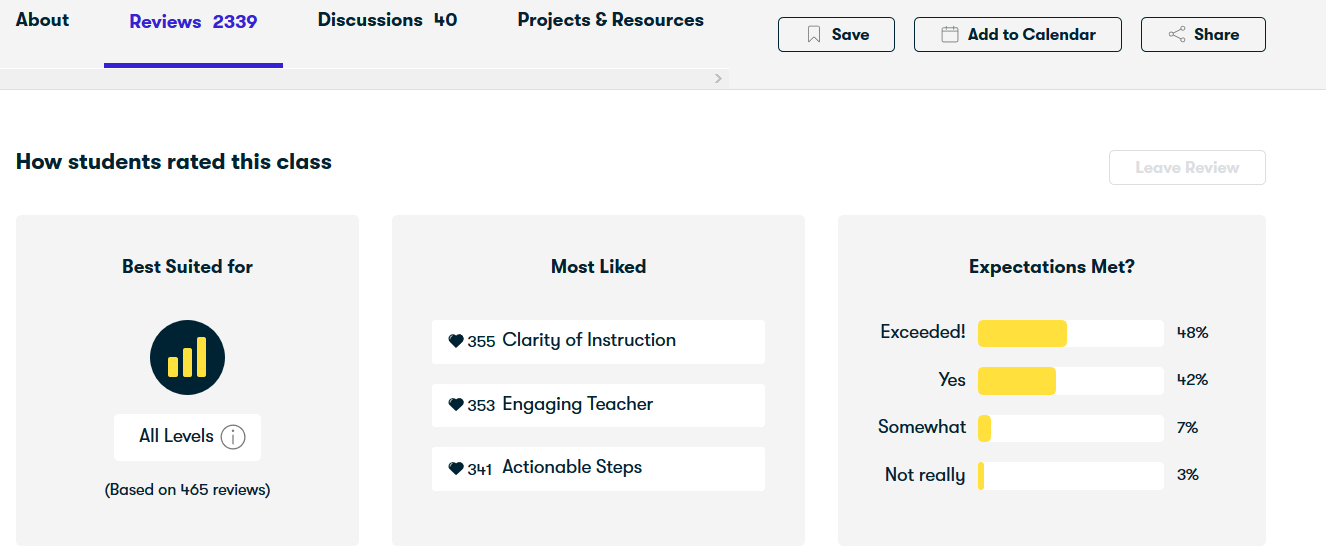
Under the course, participants can rate the course in the Reviews category and under Discussions they can ask questions that the community or the instructor answers.
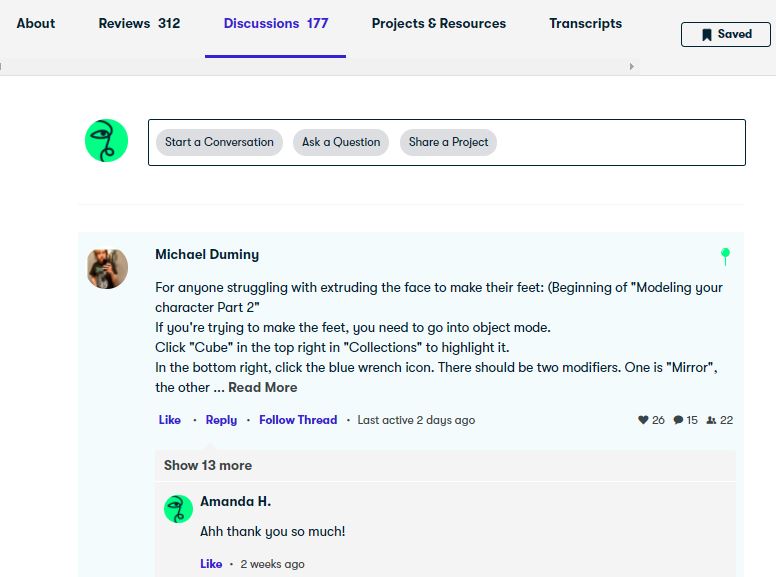
Project results can also be shared in the community under the course. Personally, I like the platform's community, especially watching the creative project results of other participants is interesting.
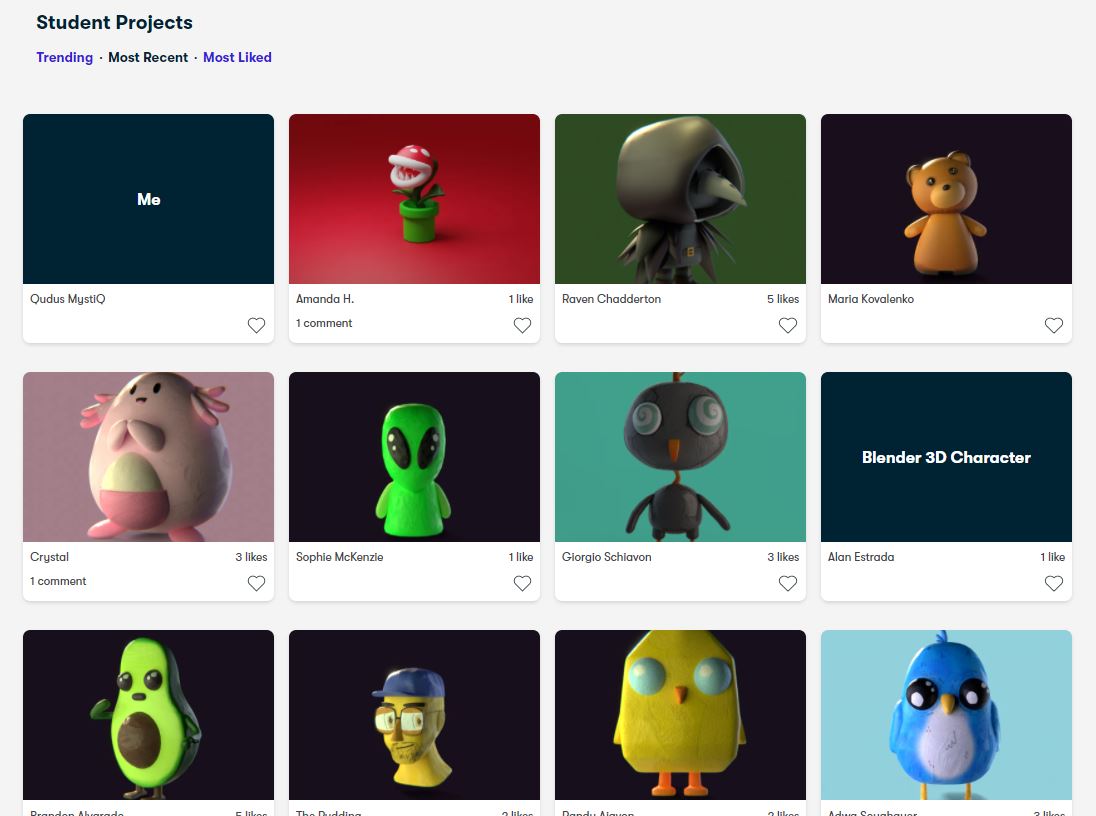
Community project results under a Blender course, here you can like and comment
New: Skillshare Learning Paths. Skillshare now bundles several consecutive courses on a topic into so-called learning paths (usually 2 to 7 courses), currently more than 100 in areas such as business, art, and design. The learning paths are included in the regular subscription and are meant to help you find your way around the large course selection more easily. According to Skillshare's Privacy Policy, the platform now also uses automated AI processes to recommend suitable course content to you.

Skillshare Costs
The e-learning platform works with a subscription model. There is a monthly and an annual subscription. The monthly subscription can only be purchased via the app (App Store or Google Play), not via the website. The annual subscription costs approx. €13 per month. The subscription gives you unlimited access to all available Skillshare courses.
| Free Account | Premium Annual Subscription | |
|---|---|---|
|
Courses |
no course access (only with trial or subscription) | over 35,000 courses |
|
Become a teacher |
free | |
|
Other features |
none | Download courses, subtitles, transcripts, perks |
| Price | €0 | Premium account cost per month: approx. €12.99 | €155.88 per year |
The annual subscription costs approx. €12.99 per month, but you have to pay €155.88 (12x €13) immediately.
(Prices may vary! As of: 28.08.2026)
Thanks to the Skillshare partner program, I can offer you one month free for the Premium subscription. This allows you to use over 35,000 courses and download them anytime on your phone! (But please don't fall into the subscription trap)
Free courses without membership are no longer available on Skillshare: Since September 2021, Skillshare has abolished the distinction between "Free" and "Premium" courses; for every course you need at least an active free trial. Accordingly, there is no longer a filter for free courses in the course search; the paywall reliably pops up when you try to start a course.
Cost conclusion: Since you don't have to buy the courses individually, you are not in danger of spending your money on bad courses. E-learning courses that do not meet expectations can be safely canceled and switched.
The learning platform also offers you so-called perks: This gives you discounts on memberships of other companies. There is, among others, a 20% discount code on Adobe Premiere and Canva Pro.
Skillshare for Teams. In addition to the individual subscription, there is also a business plan for companies with two or more members with "Skillshare for Teams". The price is $159 per user per year, there is only annual billing, no monthly rate. Team admins also get a dashboard with evaluations of course usage in the team.
How do I cancel my Skillshare membership?
- Click on your profile
- Account Settings
- Membership & Payments / Under the menu item Membership & Payment you will also find out when the next debit from your account will take place
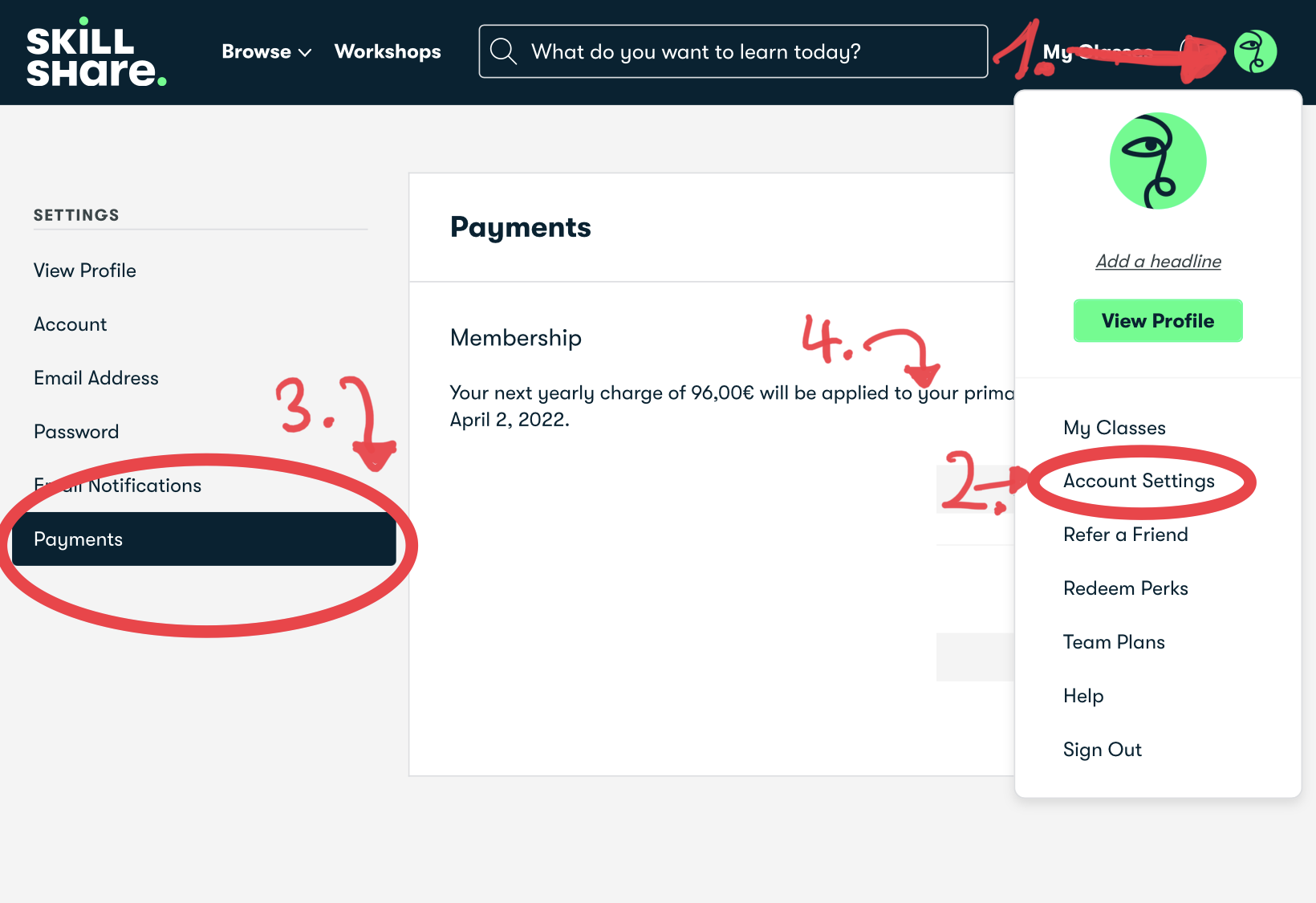
My experience and the quality of the courses
What I like
- For creative topics, the courses are excellent. Premiere, After Effects, animation, and web design work really well here.
- Many experts and well-known names share their knowledge. Gary Vaynerchuk, Guy Kawasaki or Keith Yamashita for example, plus YouTube channels like Kurzgesagt and Cinecom.
- The "Skillshare Originals" are promoted or produced by the platform itself. Their quality is usually above average.
What bothers me
- Certificates and badges are now available. But they are not recognized qualifications, rather a proof within the community.
- Anyone can publish. That brings a huge range of topics, but also causes fluctuations in quality.
What I learned:
Personally, I was able to greatly improve my skills in Adobe After Effects, Photoshop, Illustrator, and Premiere using Skillshare tutorials. The Skillshare community and the respective downloadable project resources were super helpful.
Tip: With the link you can try Skillshare for free for one month. If you don't like Skillshare, you can cancel your membership at any time before the month ends without having to pay anything. But then don't forget to cancel in time, otherwise the subscription may be extended by a year if applicable.
Tip: Skillshare has a rating system for courses, it's worth reading the reviews before starting a course.

Skillshare App – Download courses
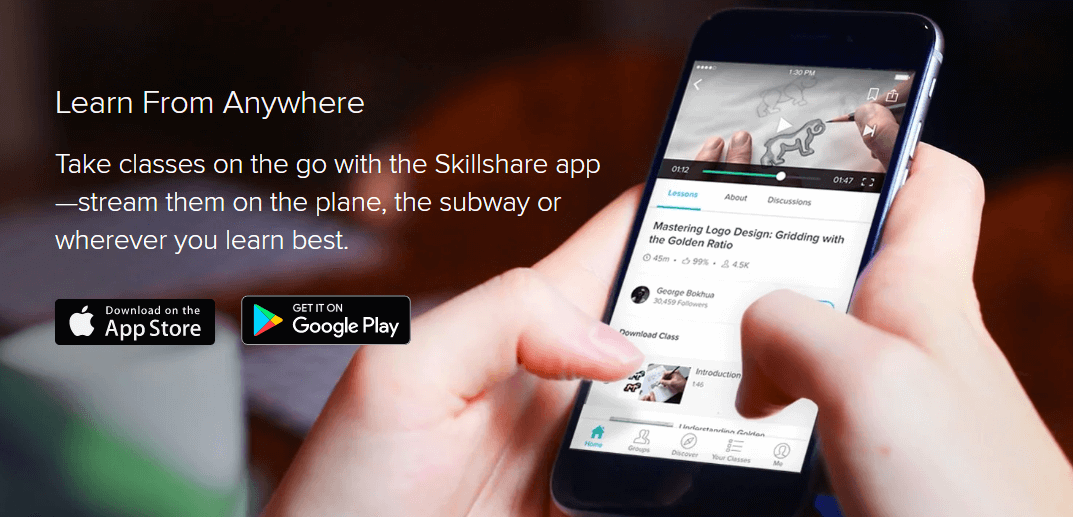
The Skillshare app is available for iOS and Android. The main advantage of the app is that, unlike the Skillshare website, you can download courses. The app thus enables you to learn independently of location on buses and trains and in many other places.
What are Skillshare Live Sessions?
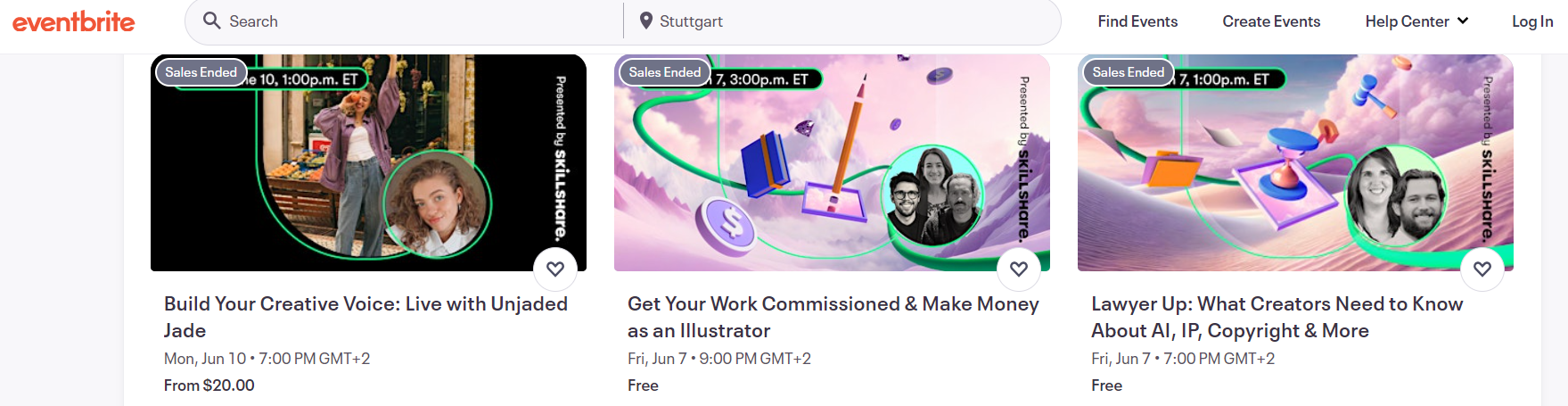
Skillshare Live Sessions are virtual group events that take place in real time. Unlike the usual on-demand courses, the live courses are only available on specific days and must be purchased via Eventbrite. The live courses then do not take place on Skillshare as you might expect, but you receive a Zoom link. The courses then cost a little extra on top of the Skillshare subscription. As you can see in the screenshot below, not all courses cost extra, there are also some free ones.
Skillshare 1-on-1 Sesssions
The 1-on-1 sessions on Skillshare allow you, unlike the sessions mentioned above, to learn directly in a personal conversation with a teacher or expert. These 1-on-1 sessions are particularly useful if you are looking for deeper insights or individual advice on a specific topic. The 1-on-1 sessions used to run via the separate platform Superpeer. That was discontinued at the end of 2024, the sessions now take place directly on Skillshare. Mainly offered as 1-on-1 sessions are creative advice, but also business advice or mindful breathing. I myself have not tried the 1-on-1 sessions yet, but I suspect that the quality there also varies greatly due to the many different instructors.
External app reviews
My opinion is just one of many. That's why I checked how the Skillshare app performs in both stores.
Reviews from the German App Store and the German Google Play Store, retrieved on 31.08.2026.
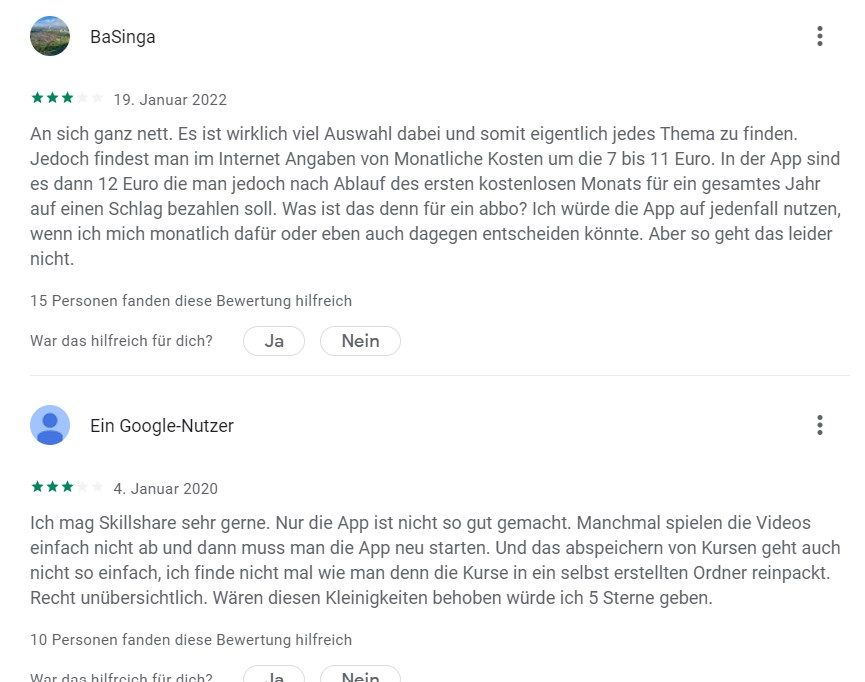
In the App Store, Skillshare is doing very well, in the Play Store only decent. You should note that Skillshare constantly delivers updates. A review from 2023 therefore refers to a completely different app than the one from today.
Negative points:
- Confusing app
- Search function in need of improvement
- Content that was saved on the web version is not displayed in the app
Positive points:
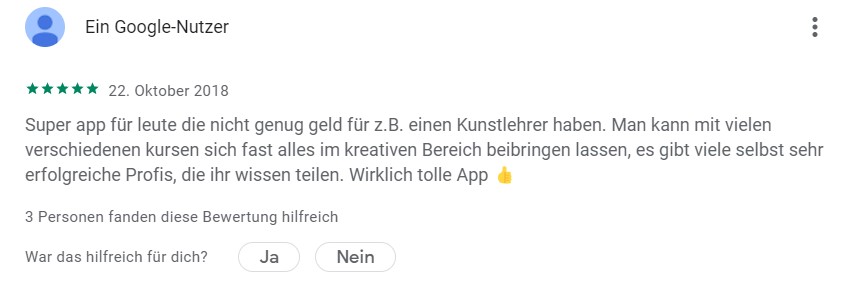
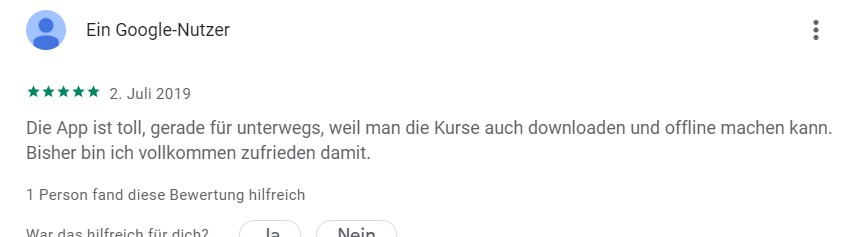
- Many creative courses / good selection of courses
- Courses can be downloaded
Skillshare courses in German?
- It is important to mention that Skillshare is an international online learning platform and therefore the course language is English.
- In German there are unfortunately still few courses available, but recently more and more courses are being added.
- Automatically generated subtitles are available in German, French, Portuguese, and Spanish in addition to English, but not for every course.
Top 10 Skillshare Courses
When selecting the courses, I used a list from Classcentral that lists the courses with the highest number of participants.
| Course | Course | Description | Website |
|---|---|---|---|
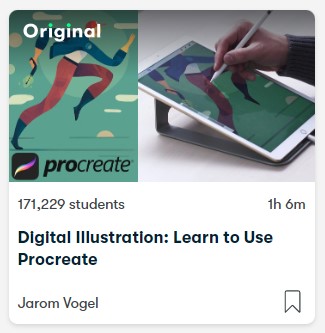 | Digital Illustration: Learn to Use Procreate | Course content: ✅ Setting up the first canvas ✅ Using the selection tool, brushes, and erasers ✅ Creating and organizing your layers ✅ Adding color, texture, and effects | to course* |
 | Graphic Design Basics: Core Principles for Visual Design | Course content: ✅ 5 basic design principles ✅ Critiquing your own work for effectivenes and balance ✅ Applying each core concept to future projects | to course* |
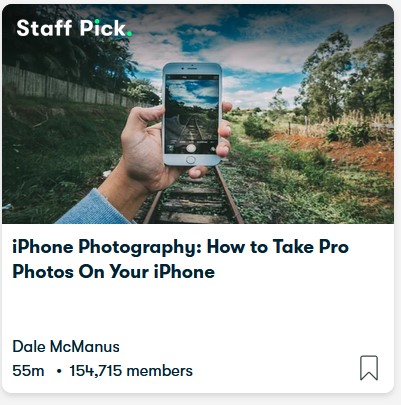 | iPhone Photography: How to Take Pro Photos On Your iPhone | Course content: ✅ Taking impressive photos using composition ✅ Optimizing your iPhone camera settings to take the best photos ✅ How to create depth in your photos ✅ Tips, tricks, and much more! | to course* |
 | Mastering Productivity: Create a Custom System that Works | Course content: ✅ Basics of task management ✅ Digital and physical file organization ✅ How to take (and keep) notes ✅ Tips and tricks for email | to course* |
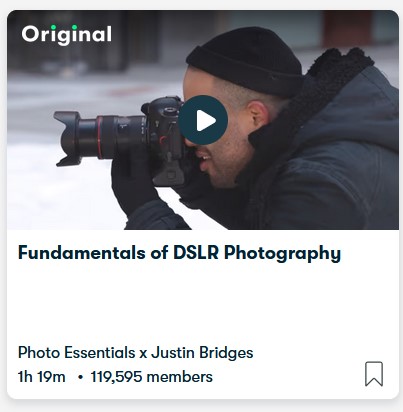 | Fundamentals of DSLR Photography | Course content: ✅ Shutter speed, aperture, and ISO for perfect exposure ✅ Freezing and blurring motion with exposure time ✅ Controlling background blur via aperture ✅ Edit your photos in 5 minutes or less | to course* |
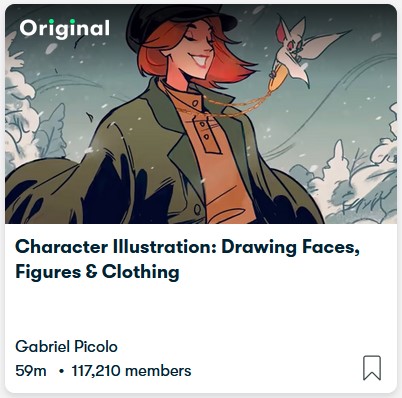 | Character Illustration: Drawing Faces, Figures & Clothing | Course content: ✅ Exploring movement and poses ✅ Drawing the four most important expressions ✅ Adding colors ✅ Creating a character that exudes personality | to course* |
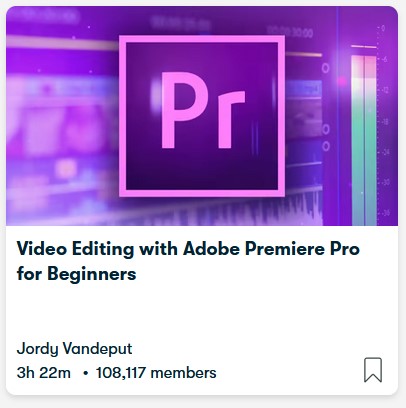 | Video Editing with Adobe Premiere Pro for Beginners | Course content: ✅ Organizing and starting a Premiere Pro project ✅ Performing basic edits, arranging clips, and working with multiple layers ✅ Performing advanced edits using the tool palette, masks, and blending techniques ✅ Applying and adjusting video/audio effects | to course* |
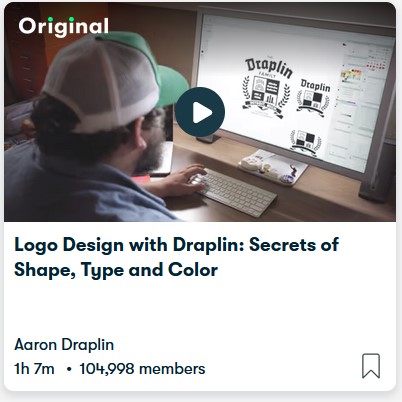 | Logo Design with Draplin: Secrets of Shape, Type and Color |
✅ Research
✅ Efficient workflow (and tips from Laurel)
✅ Shapes
✅ Typography
✅ Color
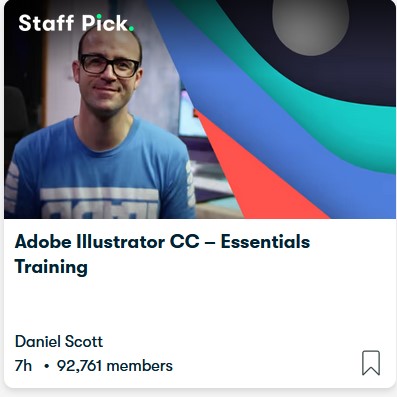
Adobe Illustrator CC – Essentials Training
✅ Using and editing lines, brushes, and fonts
✅ Shape Builder Tool
✅ Custom logo shapes
✅ Pencil Tool
✅ How to Export and much more
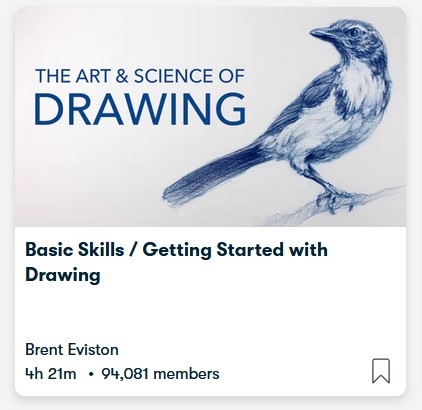
Basic Skills / Getting Started with Drawing
✅ How to use the pencil like an artist
✅ How to draw any shape
✅ How to analyze and draw any subject by breaking it down into basic shapes
Skillshare Review:
Summary:
Due to the subscription model, Skillshare is recommended for you if you want to spend little money, are interested in creative topics, want to learn new things regularly, and want access to over 35,000 different courses.
- Number of courses:
- Course languages:
- Quality of content:
- Value for money
Overall
Pros
- Over 35,000 courses
- Very affordable monthly subscription
- App for downloading courses
- Many design and graphics courses
Cons
- Almost only English courses
- Course quality varies slightly
*Rating based on my own opinion. Excluded is the 'User reviews' field, where you can rate the platform.
Who is Skillshare really worth it for?
I'll tell you honestly how I see it. As a pure hobby, Skillshare is really worth it. If you like crafting, drawing, sewing, or just want to try new creative things, you're in the right place. The platform is like a mix of Netflix and a community college course. You click through, get inspired, and are well entertained along the way. That's exactly what Skillshare is made for.
When it comes to professional continuing education, I see it differently. For a career step in IT, law, controlling, or management, I would rather recommend a specialized platform. Skillshare's strength lies in the creative field. If you really want to advance as a graphic designer, photographer, or illustrator, Skillshare gives you real professional value here. For everything else, in my opinion, it's more of a pastime than an investment in your career.
Conclusion – Skillshare as a real Udemy alternative?
- In the comparison of Udemy vs Skillshare the main difference is: that Udemy charges per course and Skillshare offers all courses in a subscription model. The subscription model is worth it for you if you regularly watch learning videos. If you're only looking for a course on a specific topic, you're better off with Udemy.
- Another difference is that Skillshare courses are only available in English. Udemy, on the other hand, offers more than 50 different languages.
- Skillshare includes approx. 35,000 courses, among them many creative topics, but also business topics like marketing, entrepreneurship, and management.
- Skillshare is therefore definitely recommendable as a Udemy alternative, especially for those who have no problem with English courses.
FAQ:
Share your opinion or question about Skillshare in the comments. Share the post with friends and colleagues, and help this small blog reach more readers ; )
 Article written by Tim Geier – about the author.
*Affiliate links

Ich habe schon einige Lernplattformen wie udemy und LinkedIn Learning ausprobiert, aber Skillshare war mir bis jetzt noch unbekannt. Das Design der Webseite sieht auf jeden Fall schon mal sehr ansprechend aus. Deiner Bewertung zufolge scheint die Plattform außerdem seriös zu sein. Ich denke, ich werde das Ganze demnächst mal testen, um meine Schreibfähigkeiten zu verbessern!
Danke für den detaillierten Einblick in das Programm :)
Vielen Dank für diesen super Artikel. Ich habe diese Seite zufällig gefunden bei der Suche nach Informationen zu einer anderen Lernseite. Die Artikel sind eine super Grundlage zur Entscheidung welche Lernplattform ich wählen möchte. TOP